1
E-Mail forwarding parameters are maintained by the user Login name. If you are logged in as
george, then the User Configuration, Selection and Forwarding status settings entered in this
program are for george. To change the configuration for another user, you must be logged in as
that user when this program is run.
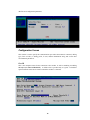
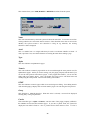
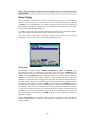
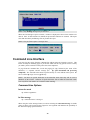
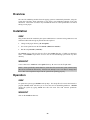
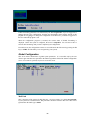
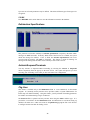
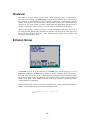
When the configuration program is executed, the current status of E-Mail forwarding is
displayed. Before the system is configured, the status is Suspended. You will not be able to
activate mail forwarding until you have completed your configuration.
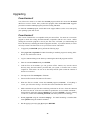
From this screen, the configuration screens are accessible under the File menu by pressing the F1
key (or CTRL+T if the F1 key is not recognized by your system).
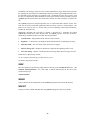
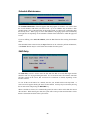
Global Configuration
This screen allows maintenance of global system parameters. It is accessible only by the user
whose Login name has been specified in the Maint Login Name field of the Global Configuration
screen. If no name is specified, anyone can access this screen.
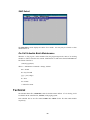
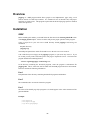
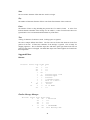
Mail Path
This is the name of the system's E-Mail directory. On most systems, it is called usr/spool/mail.
If your system uses a different name, that path name should be entered in this field. This field is
ignored when the Mail Type is POP3.
69