1
Advanced Navigation and Alternate Views
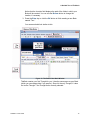
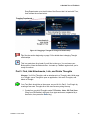
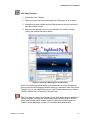
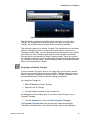
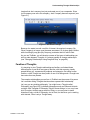
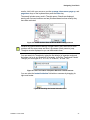
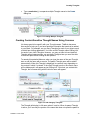
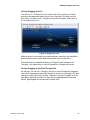
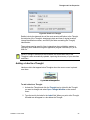
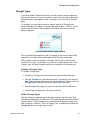
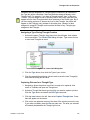
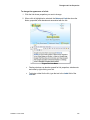
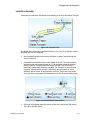
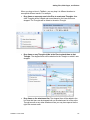
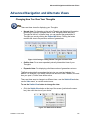
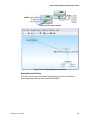
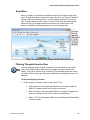
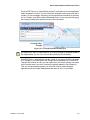
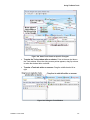
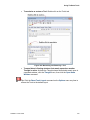
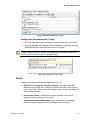
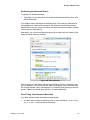
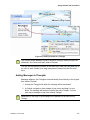
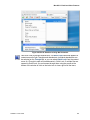
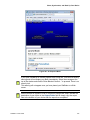
Say that ESP Sync is in “automatically activate” mode and you are composing an
email message to a friend. You don’t recall her husband’s name and you’d like to
include it in your message. Assuming you’ve entered that information in the Note
for her Thought, your Brain would automatically find it for you as you finish typing
her name by pressing the space bar or any other terminator.
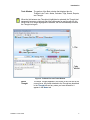
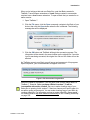
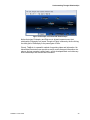
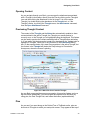
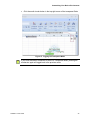
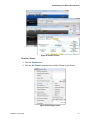
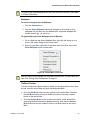
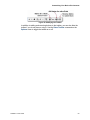
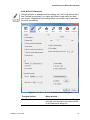
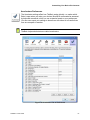
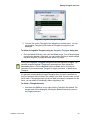
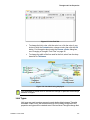
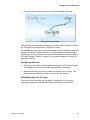
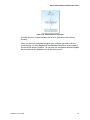
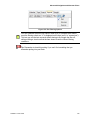
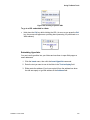
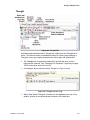
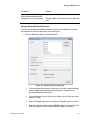
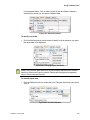
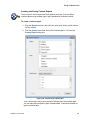
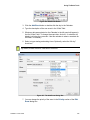
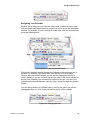
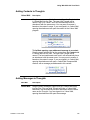
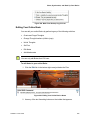
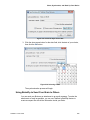
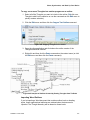
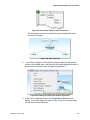
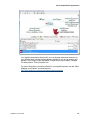
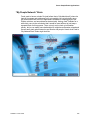
Figure 157. A Thought Activated by ESP Sync
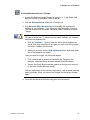
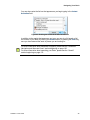
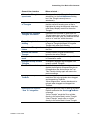
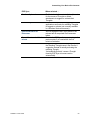
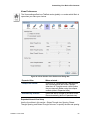
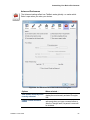
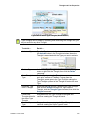
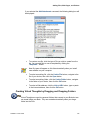
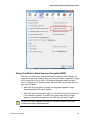
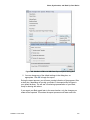
By default, ESP Sync is case-sensitive, so it will be looking for matches based on
the capitalization you use. You can turn this sensitivity off (see below).
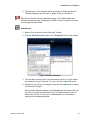
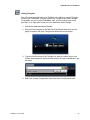
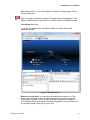
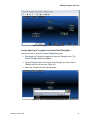
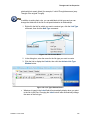
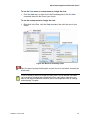
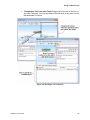
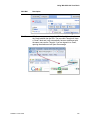
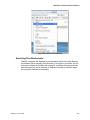
With ESP Sync in “automatically activate” mode, if you copy a file that is attached
to a Thought on your hard drive, that Thought will be activated. So, to activate a
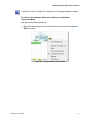
Thought that is linked to a file, you can right-click it and click the Copy command
on the context menu (you don’t ever have to actually paste the file anywhere).
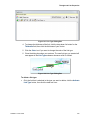
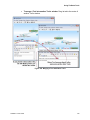
This is a convenient feature when you find a file using an external search
application such as Google Desktop and then want to see it in your Brain.
TheBrain 7 User Guide
142