1
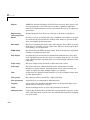
LoggingMode
Purpose
11LoggingMode
Description
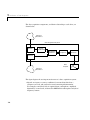
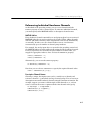
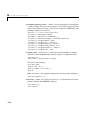
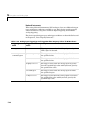
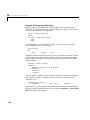
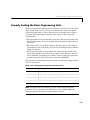
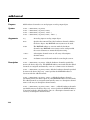
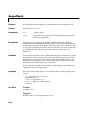
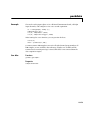
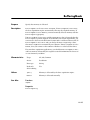
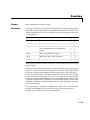
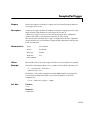
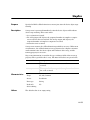
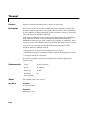
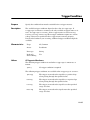
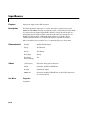
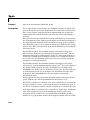
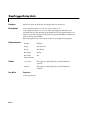
LoggingMode can be set to Disk, Memory, or Disk&Memory. If LoggingMode is set
to Disk, then acquired data (as well as device object and hardware information)
is streamed to a disk file. If LoggingMode is set to Memory, then acquired data
is stored in the data acquisition engine. If LoggingMode is set to Disk&Memory,
Specify the destination for acquired data
then acquired data is stored in the data acquisition engine and is streamed to
a disk file.
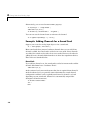
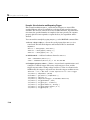
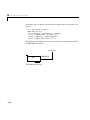
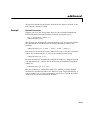
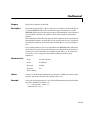
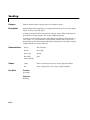
When logging to the engine, you must extract the data with the getdata
function. If the data is not extracted, it might be overwritten.
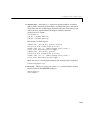
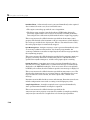
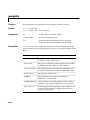
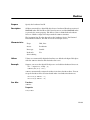
When logging to disk, you can specify the log filename with the LogFileName
property, and you can control the number of log files created with the
LogToDiskMode property. You can return data stored in a disk file to the
MATLAB workspace with the daqread function.
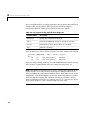
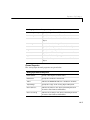
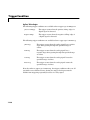
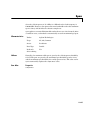
Characteristics
Values
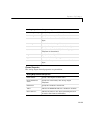
See Also
Usage
AI, Common
Access
Read/write
Data type
String
Read-only
when running
Yes
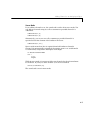
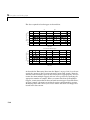
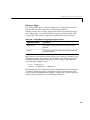
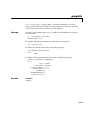
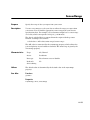
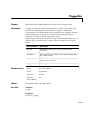
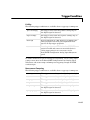
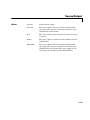
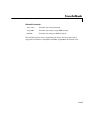
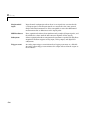
Disk
Acquired data is logged to a disk file.
{Memory}
Acquired data is logged to memory.
Disk&Memory
Acquired data is logged to a disk file and to memory.
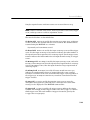
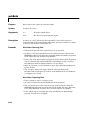
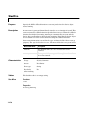
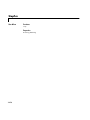
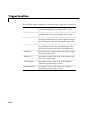
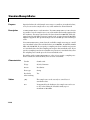
Functions
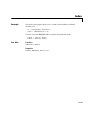
daqread, getdata
Properties
LogFileName, LogToDiskMode
11-47