1
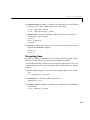
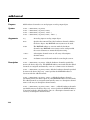
Direction
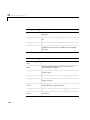
Purpose
11Direction
Description
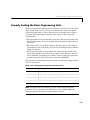
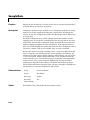
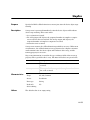
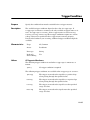
When adding hardware lines to a digital I/O object with addline, you must
configure the line direction. The line direction can be In or Out, and is
automatically stored in Direction. If a line direction is In, you can only read a
value from that line. If a line direction is Out, you can write or read a line value.
Specify whether a line is used for input or output
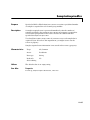
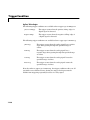
For line-configurable devices, you can change individual line directions using
Direction. For port-configurable devices, you cannot change individual line
directions.
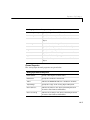
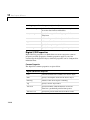
Characteristics
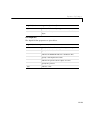
Values
Example
Usage
DIO, Line
Access
Read/write
Data type
String
Read-only
when running
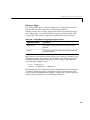
Yes
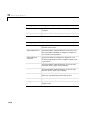
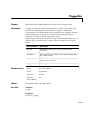
{In}
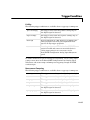
The line can be read from.
Out
The line can be read from or written to.
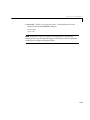
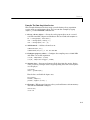
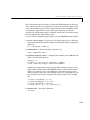
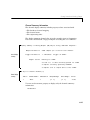
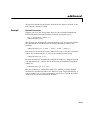
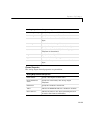
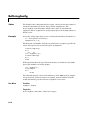
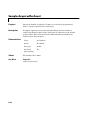
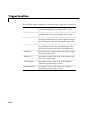
Create the digital I/O object dio and add two input lines and two output lines
to it.
dio = digitalio('nidaq',1);
addline(dio,0:3,{'In','In','Out','Out'});
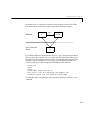
To configure all lines for output:
dio.Line(1:2).Direction = 'Out';
See Also
Functions
addline
11-28