1
can’t connection successful. When you set the IP address, you can use the
all-purpose button. Turn the button to change the address. And press the button to
move the next position.
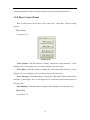
“Port” is the changeless value: 8001. you should not change anyway. Then
press the “OK” button, if the IP address is suitable. The light in the soft interface
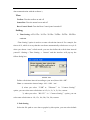
turn green. (see picture 1-26)
Picture 1-26
If
the light doesn’t change color, you should set other IP address, and try it
again.
6. Test Link State
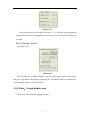
Select this option to detect the link state between the oscilloscope and software
automatically. If the link is not in normal state, the system will give you the
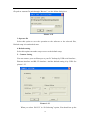
follow prompting message:
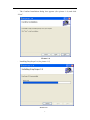
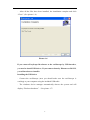
Picture 1-27
Now you need to check whether the oscilloscope connecting with the PC is ok.
Help
About EasyScope: Display information about EasyScope software
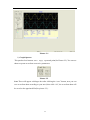
1.2.2 Toolbar
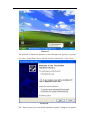
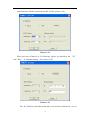
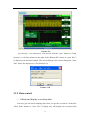
Picture 1-28
Put the mouse on icons, It will appears the following prompt
16