1
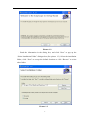
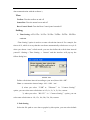
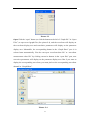
Picture 2-9
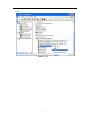
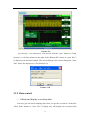
you can copy、save and print it. You also can click the “open” button in “Graph
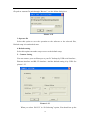
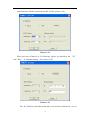
Operate” (or click the button on the right of the “Bitmap file” button in “open files”)
to display saved interface bitmaps. The current bitmap’s title can be changed in “Alter
Title” below the display area. (See Picture2-10)
Picture 2-10
2.1.2 Data control
一、Obtain and display waveform data
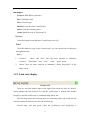
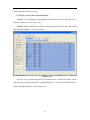
You have got waveform sampling data when you get the waveform. Clicked the
“Wave Data” button in “Goto View”, Display area will display the waveform data
27