1
4.5. Format
Format Menu
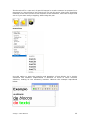
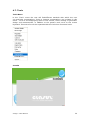
The "Format" menu provides formatting options for the pages of the presentation.
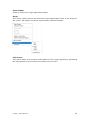
Page Topic
Whenever the creation of a common background for all of the pages is desired,
open the page topic. All of the objects that are inserted in the defined area will be
automatically included as the background for all of the pages.
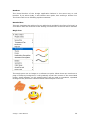
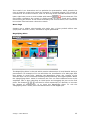
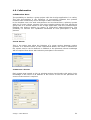
Grids
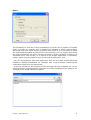
The A-migo application permits the user, on an individual basis, per page to apply a
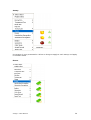
grid to the background. For each grid the type of line, its color and width may be
selected. The vertical and horizontal spacing between the continuous lines can also
be defined. For example, with the selection of no vertical lines, horizontal lines can
be obtained for Calligraphy lessons. By means of the horizontal spacing, in this case
the space between the lines can be controlled.
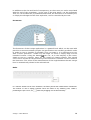
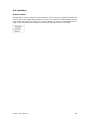
Background
To select the page background color, select this option.
A-migo – User Manual
16