1
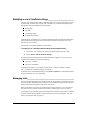
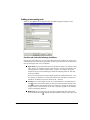
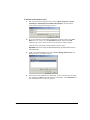
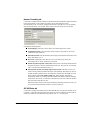
To replace all occurrences of one saved dialing service with another
1.
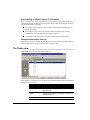
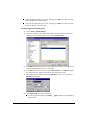
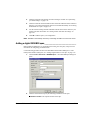
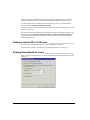
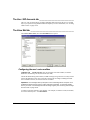
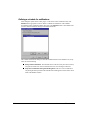
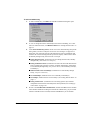
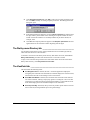
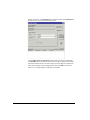
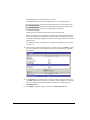
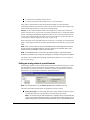
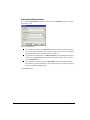
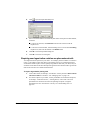
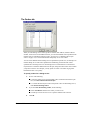
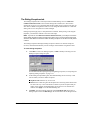
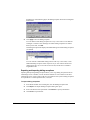
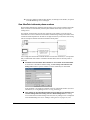
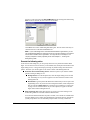
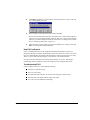
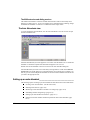
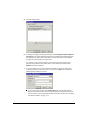
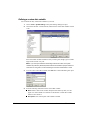
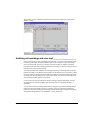
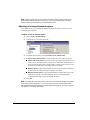
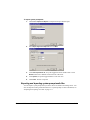
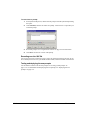
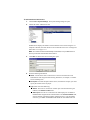
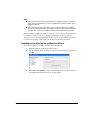
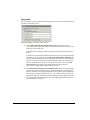
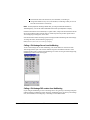
Choose Tools > Update Access Codes. The Update Access Codes dialing box opens.
2.
Choose the dialing service you want to replace under Current access code and the
dialing service you want to replace it with under New access code.
3.
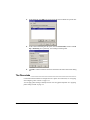
Click OK.
All phone numbers that users have entered in the TeleVantage database with the Current
access code are changed to use the New access code.
Setting default access codes for callbacks
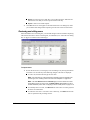
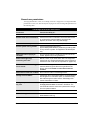
When users return calls or voice messages using the telephone commands or ViewPoint, the
system automatically uses a default access code. You can set one default access code for phone
numbers and one default access code for Internet addresses. The defaults are used system-wide.
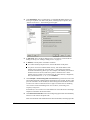
To set default access codes for callbacks
1.
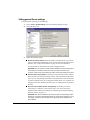
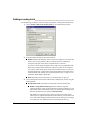
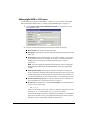
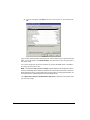
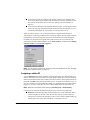
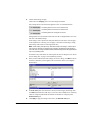
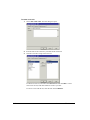
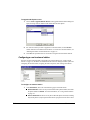
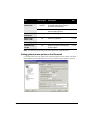
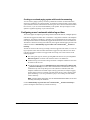
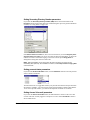
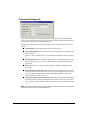
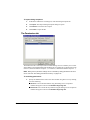
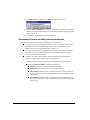
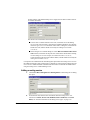
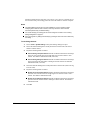
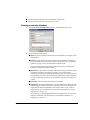
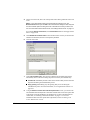
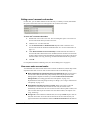
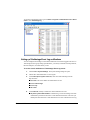
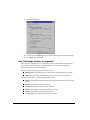
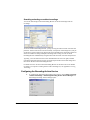
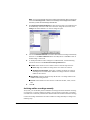
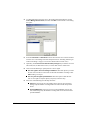
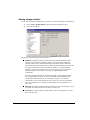
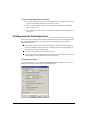
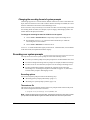
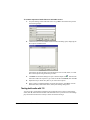
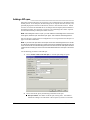
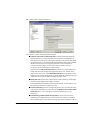
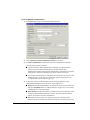
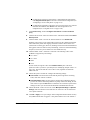
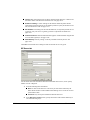
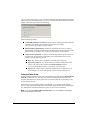
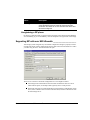
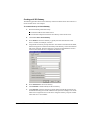
Choose Tools > System Settings. The System Settings dialog box opens.
2.
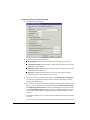
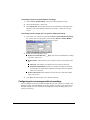
Choose the External Dialing tab.
3.
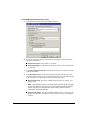
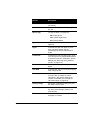
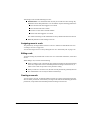
Change the following as needed:
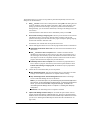
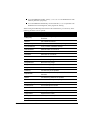
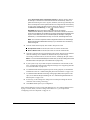
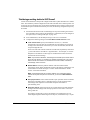
Q Default phone number access code. Select the access code for the dialing service
that will be used to return a call from a phone number from the Call Log and Voice
Messages views. The default is 9. You can select a routing service (see “Using
routing services” on page 9-22) or any dialing service that takes phone numbers as
inputs. You typically would use a routing service or a Phone Number dialing
service.
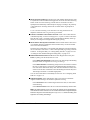
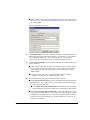
Q Default H.323 address access code. Select the access code for the H.323 Internet
dialing service that will be used to return an H.323 IP call—typically a NetMeeting
call—that did not come from a remote TeleVantage Server. When returning a call
that came from a remote TeleVantage Server, the system automatically uses the
correct access code required to reach the remote Server.
Q Default SIP address access code. Select the access code for SIP Internet dialing
service that will be used to return a SIP call.
4.
9-8
Click OK.
ADMINISTERING TELEVANTAGE