1
Routing calls to extensions ________________________________
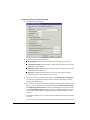
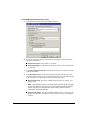
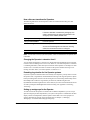
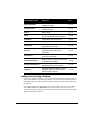
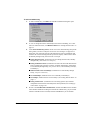
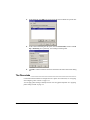
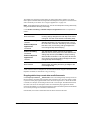
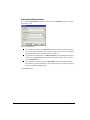
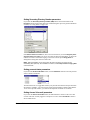
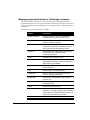
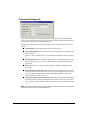
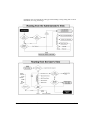
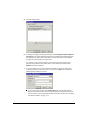
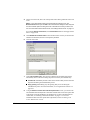
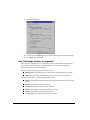
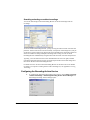
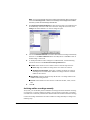
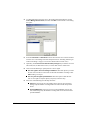
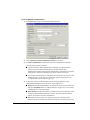
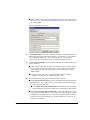
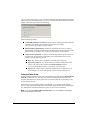
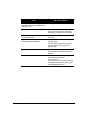
To route calls on a trunk to any extension (user, auto attendant, queue, IVR Plug-in, or
workgroup), modify the trunk in the dialog box specified in the next table.
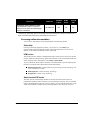
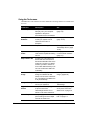
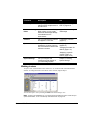
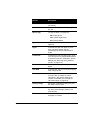
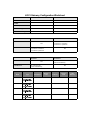
Trunk type
To modify trunk, open this dialog box
Analog trunk
Trunk dialog box
Robbed Bit T1
span
Robbed Bit T1 Span dialog box, Trunks tab
Internet span
Internet Span dialog box, General tab
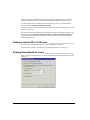
ISDN/CAS T1/E1
span
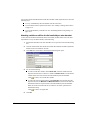
ISDN/CAS T1/E1 Span dialog box, Trunks tab
For more information about routing inbound calls on a trunk, see Chapter 5, “Managing Trunks
and Spans.”
Routing calls to workgroups _______________________________
You can have incoming calls ring the phones of all users in a workgroup at the same time. The
first user to answer the call is connected to the caller. This feature is handy for departments or
small offices in which it does not matter who answers an incoming call.
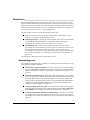
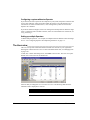
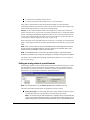
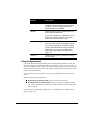
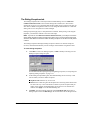
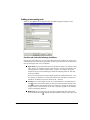
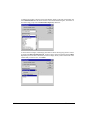
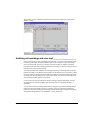
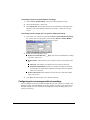
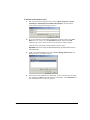
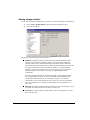
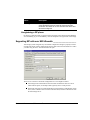
To route calls on a trunk to a workgroup, select a workgroup in the Calls are sent to dropdown
list on the Trunk dialog box. See “Adding an analog trunk” on page 5-12.
Note: You can also select a workgroup in the Faxes are sent to dropdown list on the Trunk
dialog box, to direct incoming faxes to a bank of fax machines or a fax server with many ports.
The first fax machine to answer receives the fax.
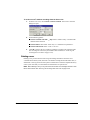
If you want to route calls to a group of people using a distribution algorithm other than
simultaneous ring, create a placeholder user whose routing list calls the workgroup, and route
calls to the placeholder user. See Using TeleVantage for instructions on creating routing lists.
CHAPTER 10. HANDLING INBOUND CALLS
10-21