1
The license code
The Trail Licence
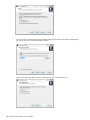
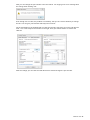
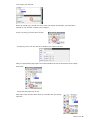
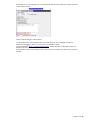
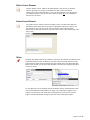
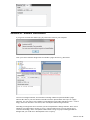
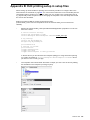
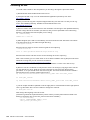
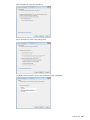
W hen you install and start InterForm NG for the first tim e, you can register and get a 7 day trial
licence, which you can request during the installation. A trial licence has all features enabled.
You can also request and install a licence via the web interface. InterForm NG will not run
without a licence code.
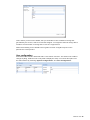
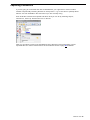
You can request a trial licence via the web interface if no licence file is found. This is described
below.
Obtain a license
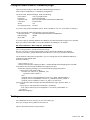
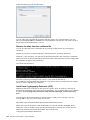
W hen you decide to order a licence to run InterForm NG, you m ust provide som e inform ation
about your installation; either directly during installation, via the web interface or by em ail.
Beside providing your personal details you should provide som e technical inform ation as well.
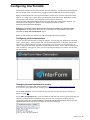
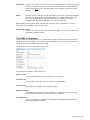
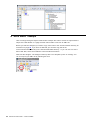
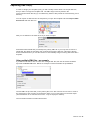
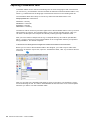
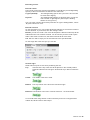
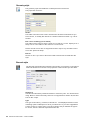
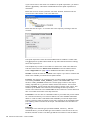
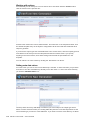
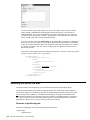
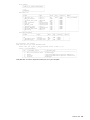
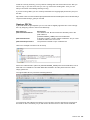
The sim plest way to find this inform ation is to install and start the (web) server. W hen
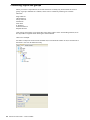
accessing the web interface by selecting ‘Start’, ‘All Program s’ and run
/InterForm NG/InterForm NG web adm in’. Sign on e.g. as ‘adm in’ with the password ‘password’
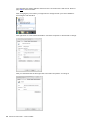
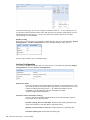
and then click ‘System Configuration’ followed by ‘Licensing’ to display the required
inform ation.
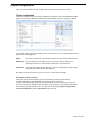
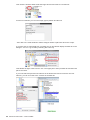
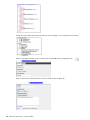
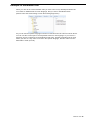
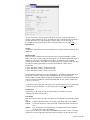
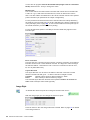
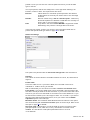
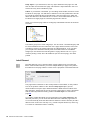
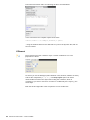
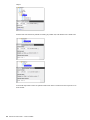
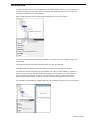
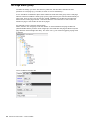
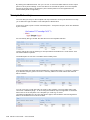
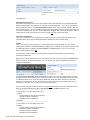
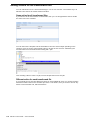
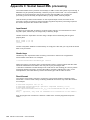
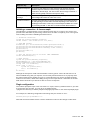
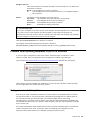
Then you will see a screen like below. Please copy and paste the characters (do not send a
screen shot) to avoid any typos when the licence code is generated if you want to order a
licence code via em ail.
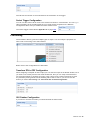
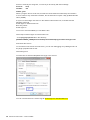
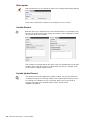
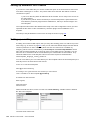
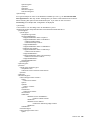
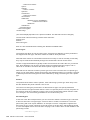
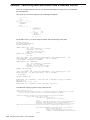
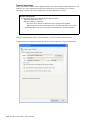
You can install a licence code file by copying it directly into {INTERFORM_NG}\licence.
18
Manual for InterFormNG
Version 2014R09