1
GETTING STARTED
www.picaxe.co.uk
Section 1
69
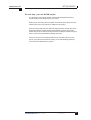
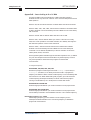
Tutorial 11 - Using Interrupts
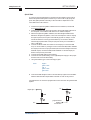
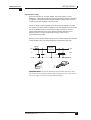
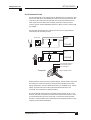
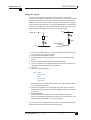
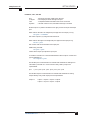
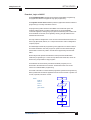
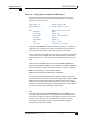
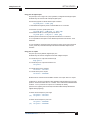
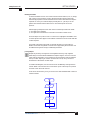
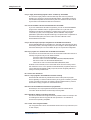
An interrupt is a special case of a sub-procedure. The sub-procedure immediately
occurs when a particular input (or combination of inputs) is activated.
A polled interrupt is a quicker way of reacting to a particular input combination.
It is the only type of interrupt available in the PICAXE system. The inputs port is
checked between execution of each command line in the program, between each
note of a tune command, and continuously during any pause command. If the
particular inputs condition is true, a ‘gosub’ to the interrupt sub-procedure is
executed immediately. When the sub-procedure has been carried out, program
execution continues from the main program.
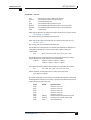
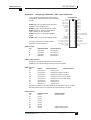
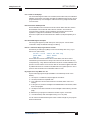
The interrupt inputs condition is any pattern of ‘0’s and ‘1’s on the input port,
masked by the byte ‘mask’. Therefore any bits masked by a ‘0’ in byte mask will be
ignored.
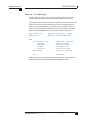
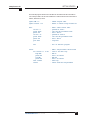
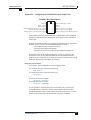
e.g.
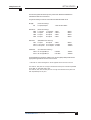
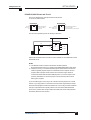
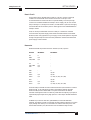
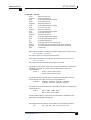
to interrupt on input1 high only
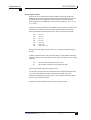
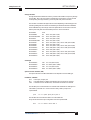
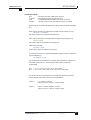
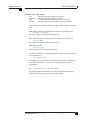
setint %00000010,%00000010
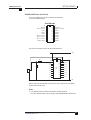
to interrupt on input1 low only
setint %00000000,%00000010
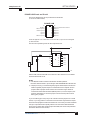
to interrupt on input0 high, input1 high and input 2 low
setint %00000011,%00000111
etc.
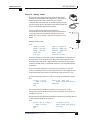
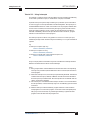
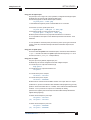
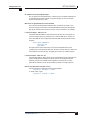
Only one input pattern is allowed at any time. To disable the interrupt execute a
SETINT command with the value 0 as the mask byte.
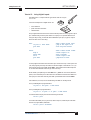
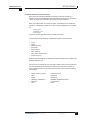
Notes:
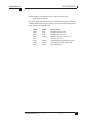
1) Every program which uses the SETINT command must have a corresponding
interrupt: sub-procedure (terminated with a return command) at the bottom
of the program.
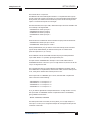
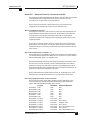
2) When the interrupt occurs, the interrupt is permanently disabled. Therefore to
re-enable the interrupt (if desired) a SETINT command must be used within
the interrupt: sub-procedure itself. The interrupt will not be enabled until the
‘return’ command is executed.
3) If the interrupt is re-enabled and the interrupt condition is not cleared within
the sub-procedure, a second interrupt may occur immediately upon the return
command.
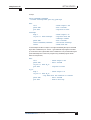
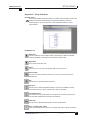
4) After the interrupt code has executed, program execution continues at the
next program line in the main program. In the case of the interrupted pause,
wait, play or tune command, any remaining time delay is ignored and the
program continues with the next program line.
revolution
(c) Revolution Education Ltd. Email: info@rev-ed.co.uk Web: www.rev-ed.co.uk
Version 6.7 01/2009
All rights reserved.
69