1
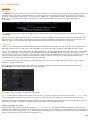
HIGHLIGHTS
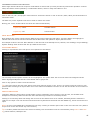
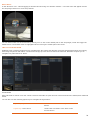
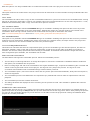
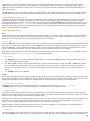
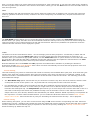
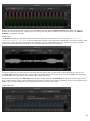
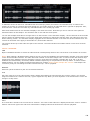
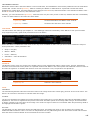
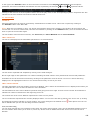
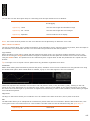
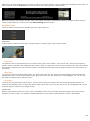
The Highlight curve increases from left to right so that it encompasses more values at the higher end of the luminance
scale.
MIDTONES
The Mid-tone curve is symmetrical so that it encompasses values equally in both directions of the luminance scale.
SHADOWS
The Shadow curve decreases from left to right so that it encompasses more values at the lower end of the luminance scale.
TONE
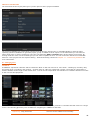
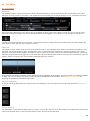
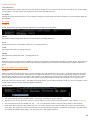
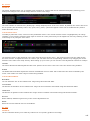
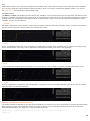
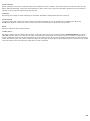
The Tone control affects the amount of curvature the curve will have. Higher values flatten the curve closer to a straight line.
OFFSET
The Offset control adjusts the curve’s position left or right. This has the effect of including or excluding certain luminance
ranges from the qualifier.
RANGE
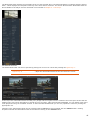
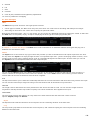
The Range control scales the curve around the zero black point, which is the left edge of the curve window. This isolates the
curve to a larger or smaller section of the luminance scale.
CHROMA KEYER
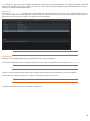
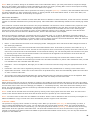
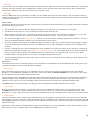
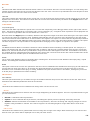
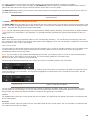
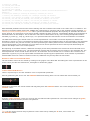
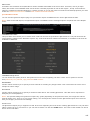
The Chroma Keyer is especially useful for blue/green-screen footage. It isolates a part of the image by comparing its color
channels. When you pick a color its dominant primary color is used as the reference channel. The level of dominance over
the other channels determines the alpha of the matte. Where either of the recessive colors exceeds the reference channel
the matte’s alpha will be zero.
GAIN
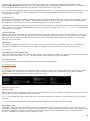
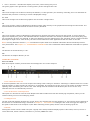
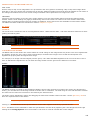
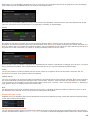
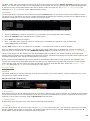
The matte’s alpha channel is multiplied by the gain value. When picking a color the gain is set as such that the resulting
matte will have full alpha at that color.
SUB SCALE
The sub-scale parameter changes the scale of subtraction. With a sub-scale of zero there is no subtraction and the resulting
alpha will be equal to the reference channel for the whole image.
POSITIVE / NEGATIVE
The effect of the positive and negative values is similar to the sub-scale parameter. But these values only influence the
subtraction scale of one color instead of both.
184