1
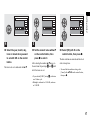
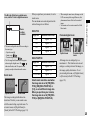
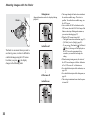
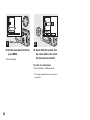
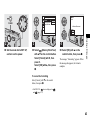
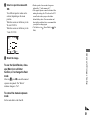
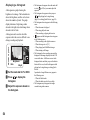
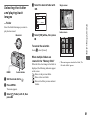
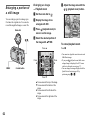
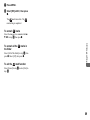
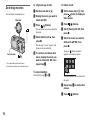
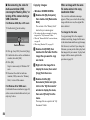
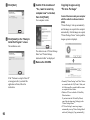
g Press MENU.
h Select [OK] with B, then press
z.
The
mark turns white. The
mark setting is completed.
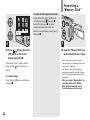
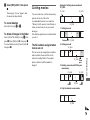
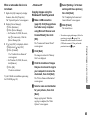
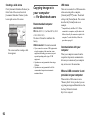
To unmark
marks
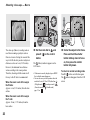
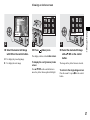
Select the images to be unmarked with v/
V/b/B in step 5, then press z.
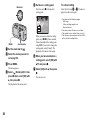
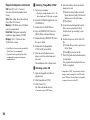
marks in
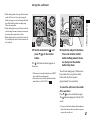
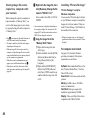
Select [All In This Folder] in step 4, then
press z. Select [Off], then press z.
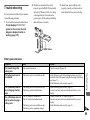
To exit the
Still image editing
To unmark all the
the folder
mark function
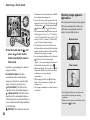
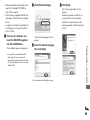
Select [Cancel] in step 4 or select [Exit] in
step 8.
69