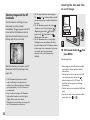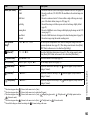
1
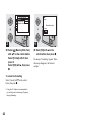
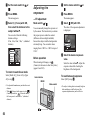
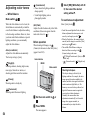
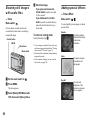
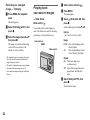
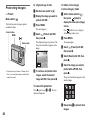
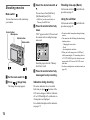
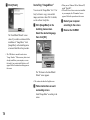
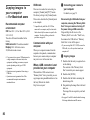
Using the self-timer
60min
VGA
60min
101
S AF
2
101
60min
1
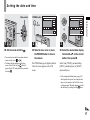
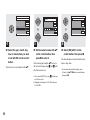
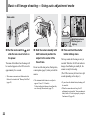
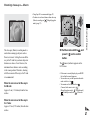
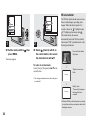
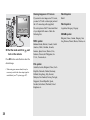
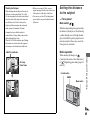
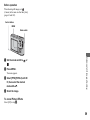
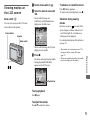
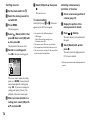
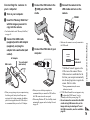
, Set the mode switch to
, and
press V ( ) on the control
button.
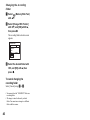
To return to normal recording mode
Press B ( ) on the control button again.
The
indicator disappears from the LCD
screen.
• When recording with the self-timer, place the
camera in a stable location. If you place the
camera in an unstable location for recording,
the camera may fall and become damaged or
malfunction.
• If the menu is currently displayed, press MENU
first so that the menu disappears.
• You can also carry out this operation when the
mode switch is set to
.
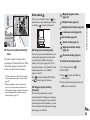
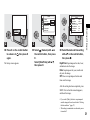
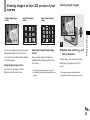
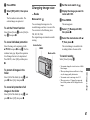
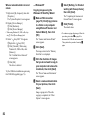
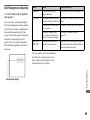
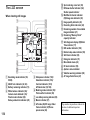
The
(self-timer) indicator appears on the
LCD screen.
VGA
FINE
101
96
S AF
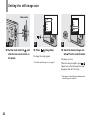
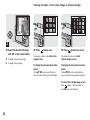
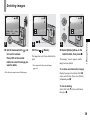
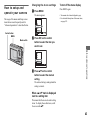
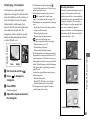
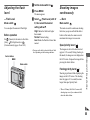
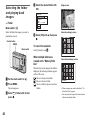
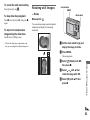
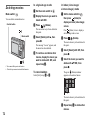
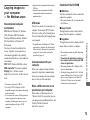
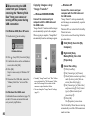
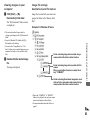
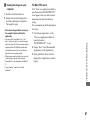
, Center the subject in the frame.
Press and hold the shutter
button halfway down, then
press the shutter button fully
down.
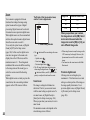
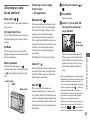
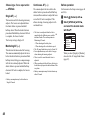
• When shooting in close-ups (Macro) mode, the
focus depth becomes extremely shallow, and
the entire subject may not be in focus.
• When shooting in close-ups (Macro) mode, the
AF speed drops in order to focus accurately on
close subjects.
28
VGA
96
95
S AF
30 F3.5
2
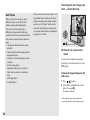
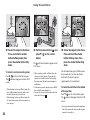
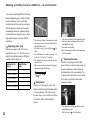
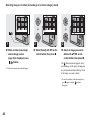
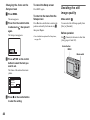
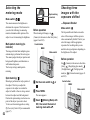
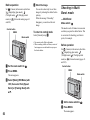
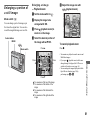
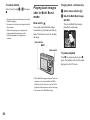
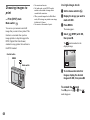
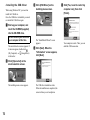
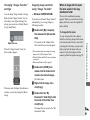
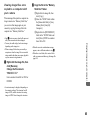
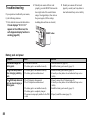
, Center the subject in the frame.
Press and hold the shutter
button halfway down, then
press the shutter button fully
down.
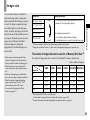
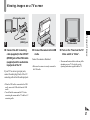
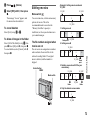
The self-timer lamp (page 8) flashes and a
beep sounds after you press the shutter
button until the shutter operates
(approximately 10 seconds later).
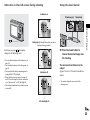
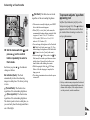
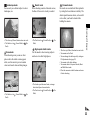
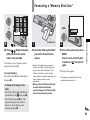
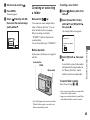
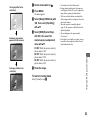
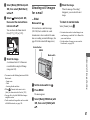
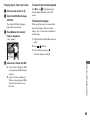
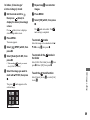
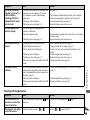
To cancel the self-timer in the middle
of the operation
Press V ( ) on the control button again.
The
indicator disappears from the LCD
screen.
• If you press the shutter button while standing in
front of the camera, the focus and the exposure
may not be correctly set.