1
Configuration Wizard E-Map (Detail Setting)
Configure E-Map for a camera group
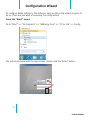
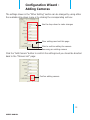
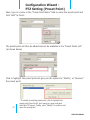
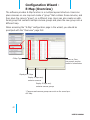
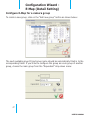
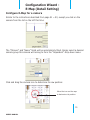
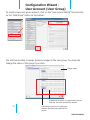
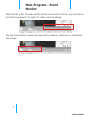
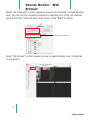
To create a new group, click on the “Add new group” button as shown below:
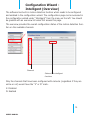
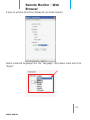
The next available group ID and group name should be automatically filled in to the
corresponding fields. If you’d like to configure this group as a sub group of another
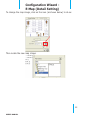
group, choose the main group from the “Dependent” drop-down menu:
47
USER’S MANUAL