1
Configuring The E-Map
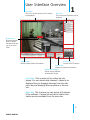
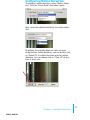
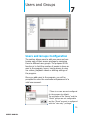
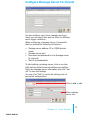
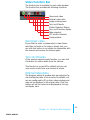
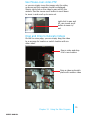
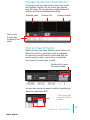
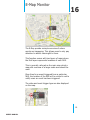
You can replace the map of your own when configuring e-map.
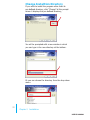
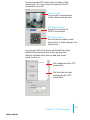
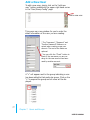
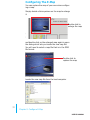
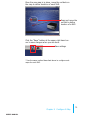
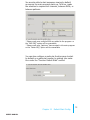
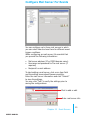
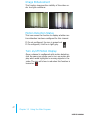
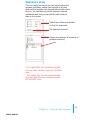
Simply double-click anywhere on the map to enlarge
it.
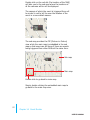
Double-click to
enlarge the map
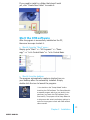
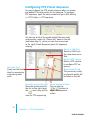
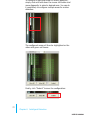
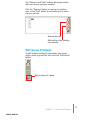
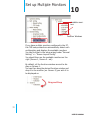
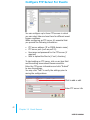
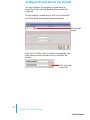
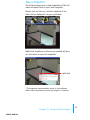
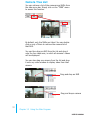
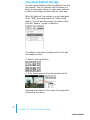
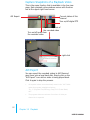
and double-click on the enlarged map again to open
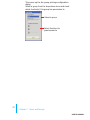
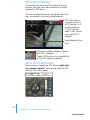
the dialog which lets you locate the new map file.
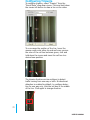
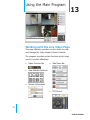
You will need to select a map file that is in the JPEG
file format.
Double-click to
replace the map
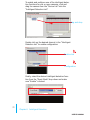
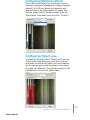
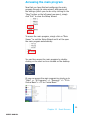
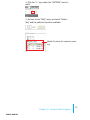
Locate the new map file from the local computer
33
Chapter 9 Configure E-Map
user’s manual