1
Chapter 11 Other Special Features
11.1Switch Time Settings
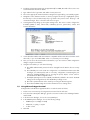
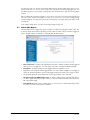
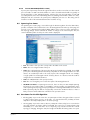
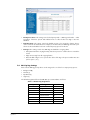
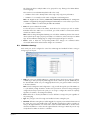
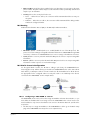
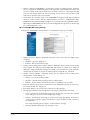
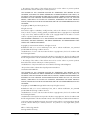
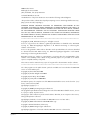
This enables the user to define an IP address for a time server on your network. On startup, the
switch will contact the server you specify to acquire the current time. Then any time stamped
information will use this time. You can also define the time zone in which the managed switch
resides.
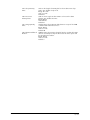
• NTP server (default = none): The IP Address of an NTP server from which the switch may
retrieve the current time at startup.
• Timezone (default = not set): Set your local time zone - such as Europe/London for example.
• Switch Date and Time: You may set the switch’s clock using these fields. The UI parses dates
in the format yyyy-mm-dd and times in the format hh:mm:ss by default; depending on your Web
browser, this page may also be able to parse other formats. Use the Normalize Time button to
see how your time will be interpreted by the switch. Use Get Browser Time to load the current
time from the Web browser.
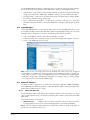
11.2Set IP Per Port
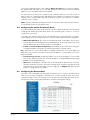
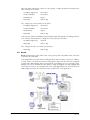
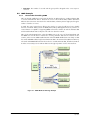
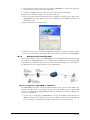
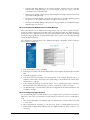
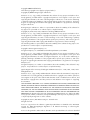
The switch may provide an IP address to one device on each network port. This feature may
be turned on and off for the whole switch and individually controlled for each port. The switch
responds to DHCP requests by providing a statically-configured IP address to the first device to
request one. The DHCP lease does not expire.
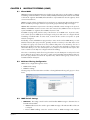
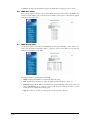
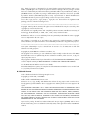
• Enabled: When this box is checked, the switch will handle DHCP requests for the port.
• Address: This field specifies the address to provide in response to DHCP requests.
64
INM9200-SW
Sept 2013