1
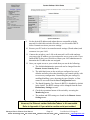
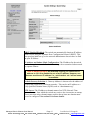
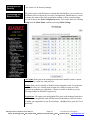
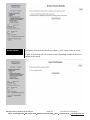
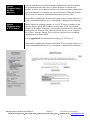
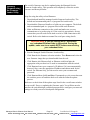
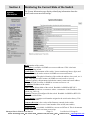
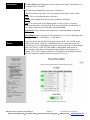
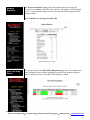
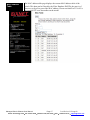
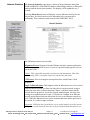
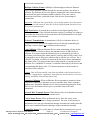
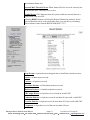
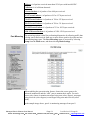
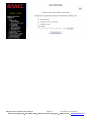
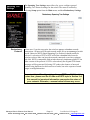
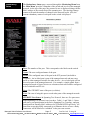
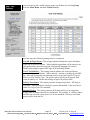
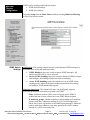
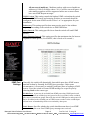
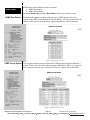
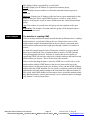
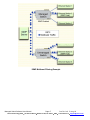
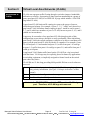
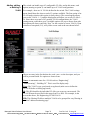
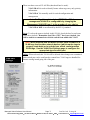
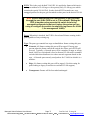
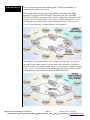
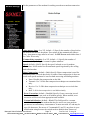
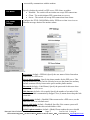
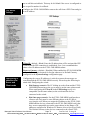
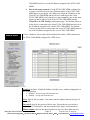
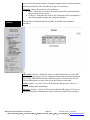
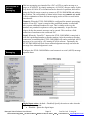
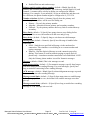
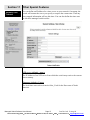
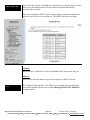
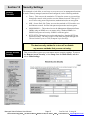
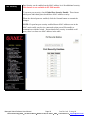
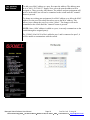
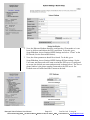
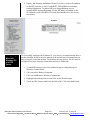
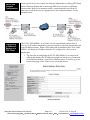
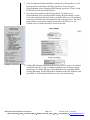
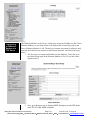
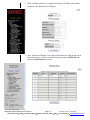
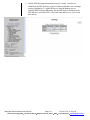
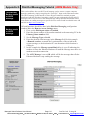
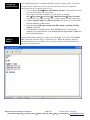
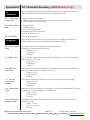
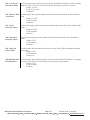
IGMP Status IGMP Port Status IGMP status can be monitored via two menus: IGMP Port Status IGMP Group Status Selecting Monitoring from the Main Menu will get you to these menus. Each network segment can have only one active IGMP querier, the active switch or the IGMP router with the lowest IP address. This screen shows the IP address of the querier on the network segment attached to each switch port. IGMP Group Status Use the group status screen to find out the IGMP groups being forwarded by a switch. There is one line for each group/port combination. That is, if a group is active on more than one port, each port will have a separate line in the table. Managed Switch Software User Manual Page 65 Last Revised: 12-Aug-09 Sixnet Technology Park 331 Ushers Road Ballston Lake, NY 12019 USA +1-518-877-5173 support@sixnet.com