1
Chapter 3 — Working with Fonts and Graphics
To create a user-defined character for Advanced mode
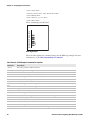
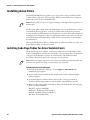
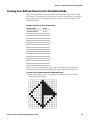
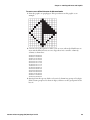
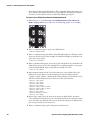
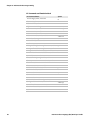
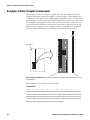
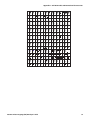
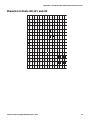
1 Draw the graphic on graph paper. This procedure uses this graphic as an
example:
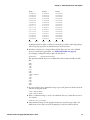
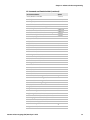
2 Convert each of the squares to either a one or a zero, where the blank boxes are
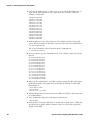
zeros and the filled-in boxes are ones. Type these into a text file column by
column, as shown here:
000000010000000
000000111000000
000001011100000
000010011110000
000100011111000
001000011111100
010000011111110
100000011111111
010000010000010
001000010000100
000100010001000
000010010010000
000001010100000
000000111000000
000000010000000
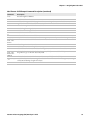
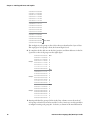
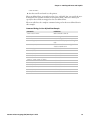
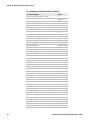
3 Starting from the top row, divide each vertical column into groups of six digits.
If the bottom group has less than six digits, add zeros to this group until it also
has six.
Intermec Printer Language (IPL) Developer’s Guide
49