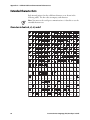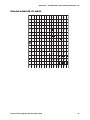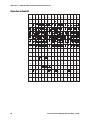
1
Chapter 3 — Working with Fonts and Graphics
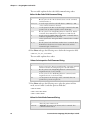
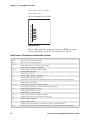
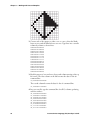
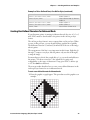
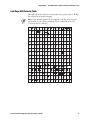
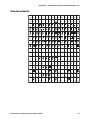
2 Convert each of the squares to either a one or a zero, where the blank
boxes are zeros and the filled-in boxes are ones. Type these into a text file
column by column, as shown here.
000000010000000
000000111000000
000001011100000
000010011110000
000100011111000
001000011111100
010000011111110
100000011111111
010000010000010
001000010000100
000100010001000
000010010010000
000001010100000
000000111000000
000000010000000
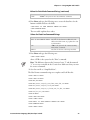
3 Read the pattern of ones and zeros down each column starting at the top
left corner. The first column on the left becomes the data for the u0
command line:
u0,000000010000000
The second column becomes the data for the u1 command line:
u1,000000111000000
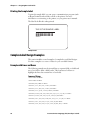
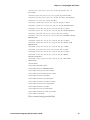
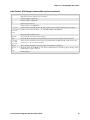
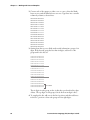
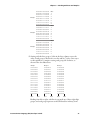
4 In a new text file, type the command line for all 15 columns, prefacing
each line with un:
u0,000000010000000
u1,000000111000000
u2,000001010100000
u3,000010010010000
u4,000100010001000
u5,001000010000100
u6,010000010000010
u7,111111110000001
u8,011111110000010
46
Intermec Printer Language (IPL) Developer’s Guide