1
Two-dimensional Design
Color
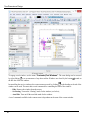
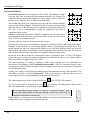
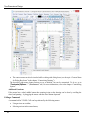
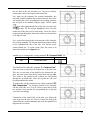
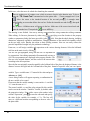
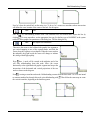
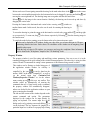
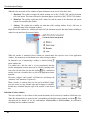
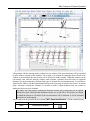
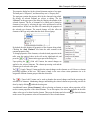
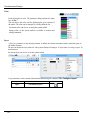
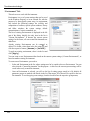
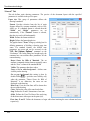
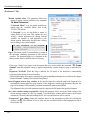
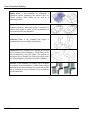
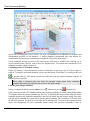
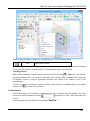
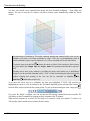
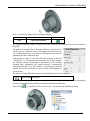
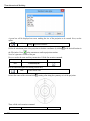
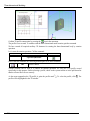
Each element has a color. The parameter dialog includes the input
box “Color:”.
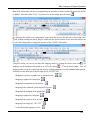
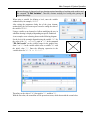
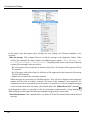
This box shows the color used for displaying the given element of
the model. The color can be changed by selecting from the list.
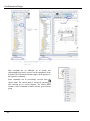
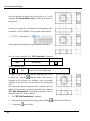
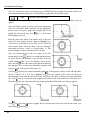
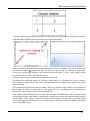
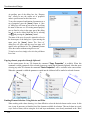
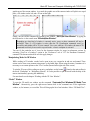
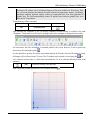
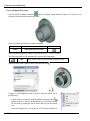
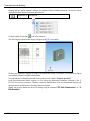
An element color can also be set using the system toolbar.
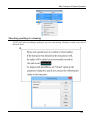
Setting colors via the system toolbar is available in creation and
editing commands.
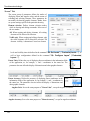
Layer
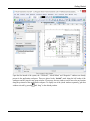
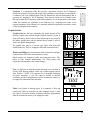
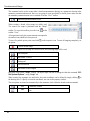
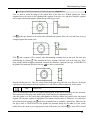
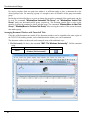
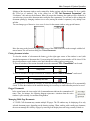
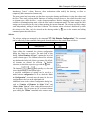
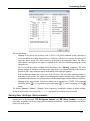
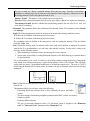
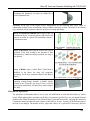
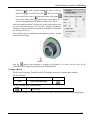
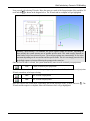
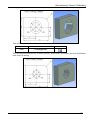
A layer is a parameter of any drawing element. It defines the element association with a particular group of
the model elements.
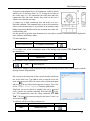
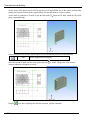
The user can define the layer name for each system element to belong to. A layer name is a string of up to 20
text characters.
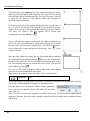
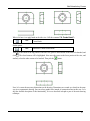
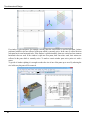
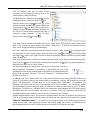
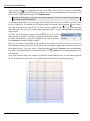
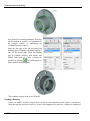
An element layer can also be set on the system toolbar.
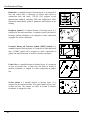
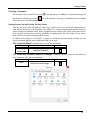
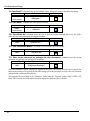
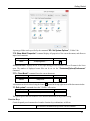
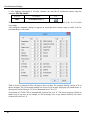
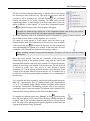
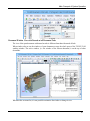
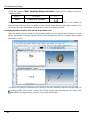
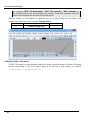
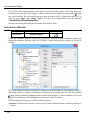
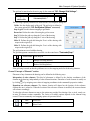
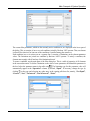
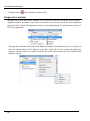
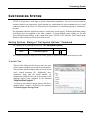
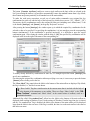
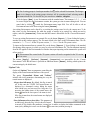
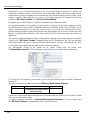
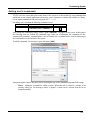
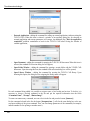
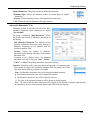
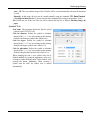
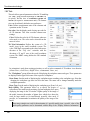
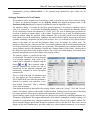
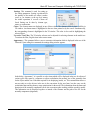
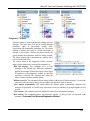
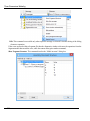
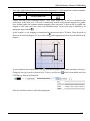
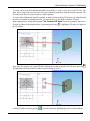
Layer parameters can be created, deleted and modified using the command “QL: Configure Layers”:
124
Keyboard
Textual Menu
<QL>
“Customize|Layers…”
Icon