1
The Browser Interface
Overview
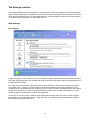
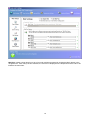
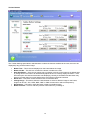
The browser interface of Simple Surf 3 has been designed to combine user familiarity from their experience
with other widely used web browsers and the considerations that must be taken when designing for touch
screens and public devices.
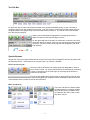
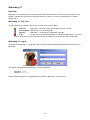
The browser toolbars are fully customizable allow administrators to change the button graphics, button text
and button actions. The toolbars can be set visible or hidden allowing administrators to create an interface
with navigation buttons and no address bar, both address bar and navigation buttons or no toolbars at all
depending on their needs.
The top right hand corner displays a progress bar to indicate web page download progress.
The address bar has a drop down containing the history of the current session; this is cleared when the
browser is logged off or restarts after idle time.
2