1
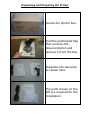
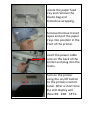
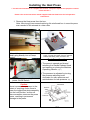
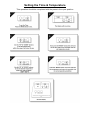
Locate the paper feed
tray and remove the
plastic bag and
protective wrapping.
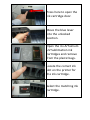
Remove the blue transit
tapes and put the paper
trays into position in the
front of the printer.
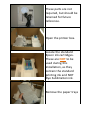
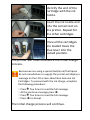
Insert the power cable
here on the back of the
printer and plug into the
mains.
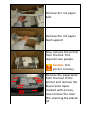
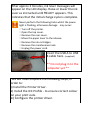
Turn on the printer
using the on/off button
on the printers control
panel. After a short time
the LCD display will
show NO INK CRTG