1
Instant Merge® for Windows
7.2
Adding the System Administrator
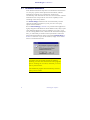
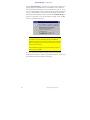
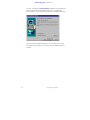
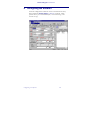
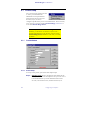
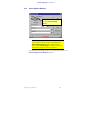
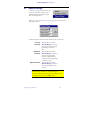
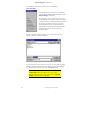
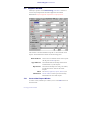
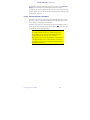
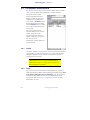
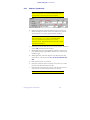
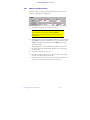
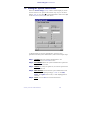
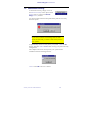
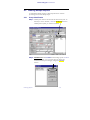
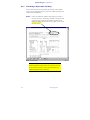
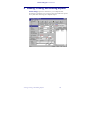
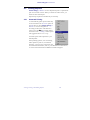
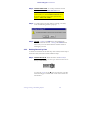
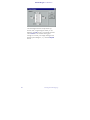
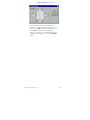
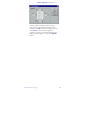
When the Instant Merge Security window is first displayed, notice
that the Administrator option button is the only one you can select.
Simply “click” on it to add a O to the Administrator button and a to the Add, Delete, and Update check boxes.
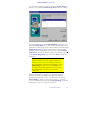
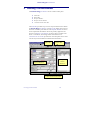
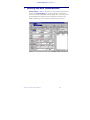
To finish setting up the user identification, password, and
permissions for the system administrator, follow these simple steps:
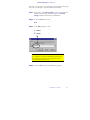
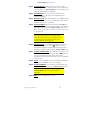
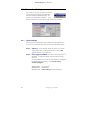
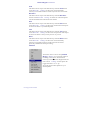
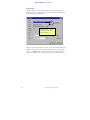
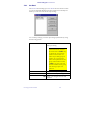
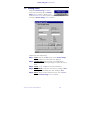
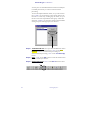
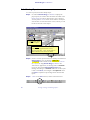
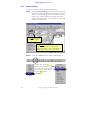
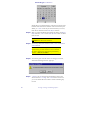
Step 1: USERID: Enter the system administrator’s user
identification in the UserID text box.
Step 2: PASSWORD: Enter the system administrator’s password
in the Password text box.
Step 3: VERIFY: To verify the password, re-enter the password in
the Verify text box.
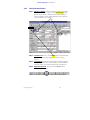
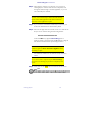
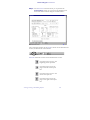
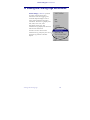
Step 4: PRIVELEGES: Ensure that the system administrator has
add, delete, and update privileges. “Click” on the Add,
Delete, and Update check boxes, so that an appears in
each box.
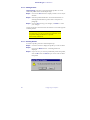
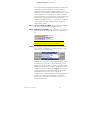
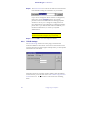
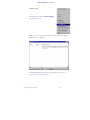
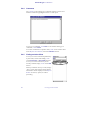
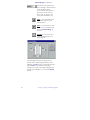
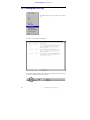
Step 5: SAVE: Click on Save to save the information.
Security and User Administration
63