1
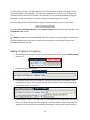
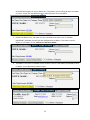
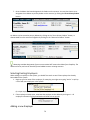
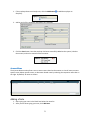
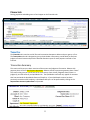
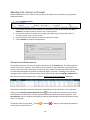
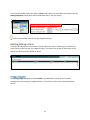
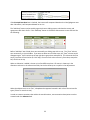
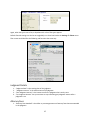
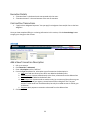
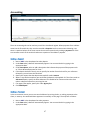
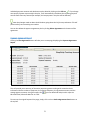
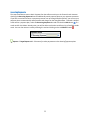
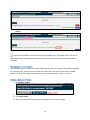
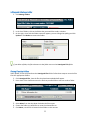
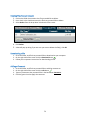
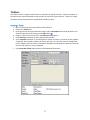
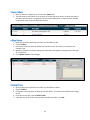
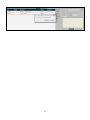
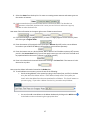
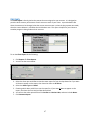
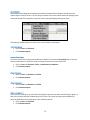
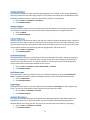
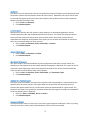
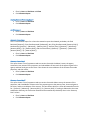
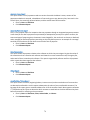
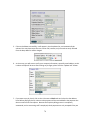
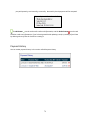
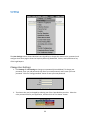
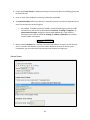
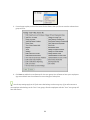
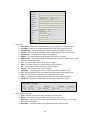
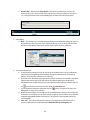
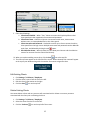
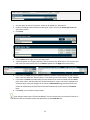
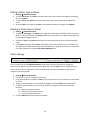
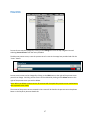
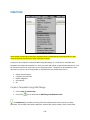
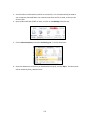
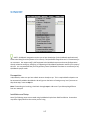
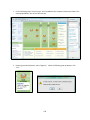
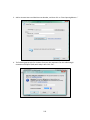
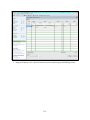
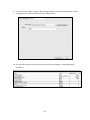
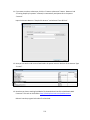
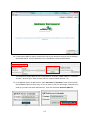
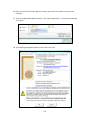
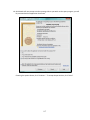
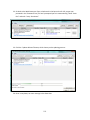
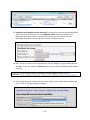
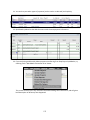
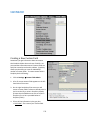
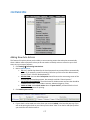
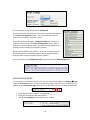
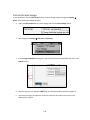
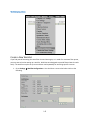
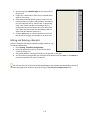
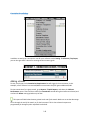
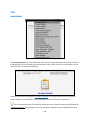
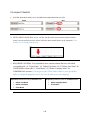
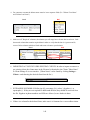
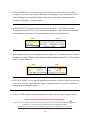
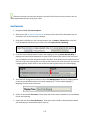
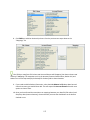
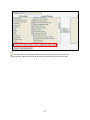
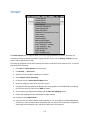
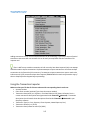
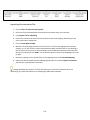
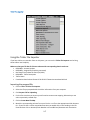
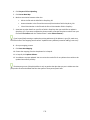
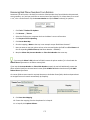
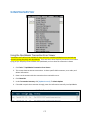
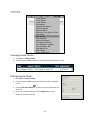
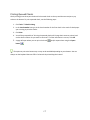
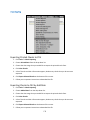
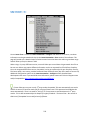
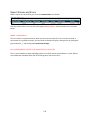
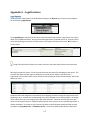
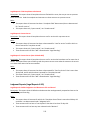
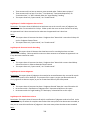
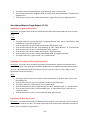
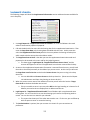
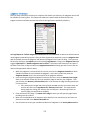
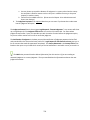
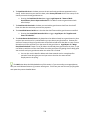
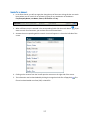
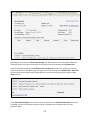
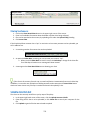
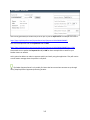
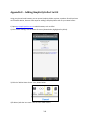
Click to Dial with Vonage If you would like to use the Click to Dial feature but with Vonage instead, navigate to Settings Dialer. Then follow these additional steps: 1. Under the Click to Dial section, select Vonage and click the Save Settings button. 2. Next navigate to Settings Collectors / Employees. 3. In the Vonage Credentials settings box, type in the username and password and click on the Update button. 4. Now the user you just configured MUST log out of SimplicityCollect and then log back in. 5. Once that user logs in and pulls up an account, there will be a phone icon next to each debtor phone number: 140