1
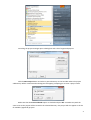
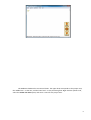
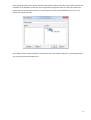
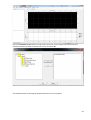
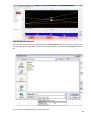
Launching the project manager opens a dialog box with a list of registered projects.
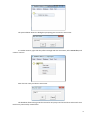
Click the New Project button and select a parent directory on the hard disk where the project
subdirectory will be created. Another dialog box will appear, prompting you to enter a project name.
Make sure that the Create subfolder option is checked and press Ok. A subdirectory with the
same name as the project will be created in the selected directory. The project will also appear in the list
of available (registered) projects.
3