1
Guest Services Solution (GSS)
What’s Enhanced
Enhancements
Detailed
POS Configurator
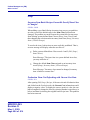
Automatically Remove Inactive Customers from Database
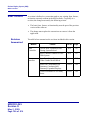
With this release, an option was added that would allow GSS users to
specify how many days to keep the records of inactive customers before
removing them from the database. Until now, customer records had to be
removed manually.
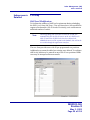
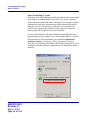
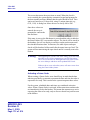
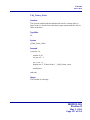
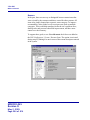
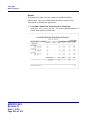
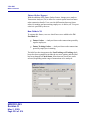
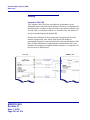
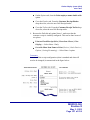
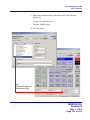
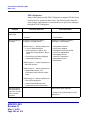
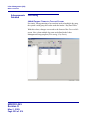
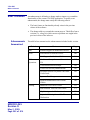
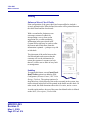
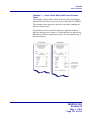
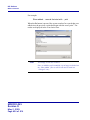
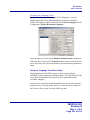
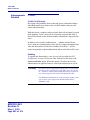
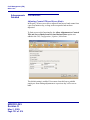
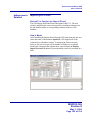
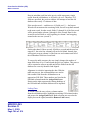
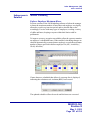
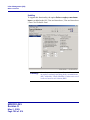
To automate this process, a new data-entry field — Retain Inactive
Cust. Days (POS Configurator | GSS | Restaurant | General) — was
added to the application. The default value is zero.
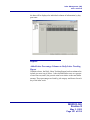
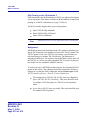
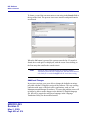
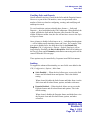
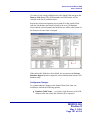
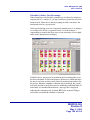
To enable this option, a user must enter a value greater than zero; the
system will not remove any records if the default value is not changed. In
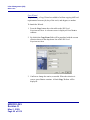
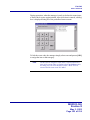
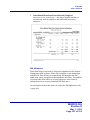
addition, customers must be designated as inactive by setting the Active
drop-down list to “FALSE” on the Customer Selection/View/
Modification screen. Only customers marked as inactive, whose last
order was recorded x number of days prior to the current date, will be
removed from the database.
MD0003-065
Revision D
May 2, 2005
Page 451 of 814