1
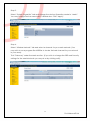
Step 3:
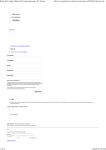
Select “System Properties” tab and change the device Operation Mode to “Mesh”.
You may change Device name here if desired also. Click “Apply”.
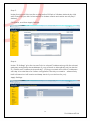
Step 4:
Select “Wireless Network” tab and select a channel for your mesh network. (You
may wish to use a program like InSSIDer to locate the best channel for your network
in your area).
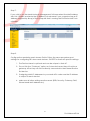
Tick “Gateway” under the Mesh section. (If you wish to change the SSID and Security
settings for the Mesh Network you may do so by clicking edit).
3
Go Wireless NZ Ltd