1
Scenario:
Configure a Mesh network with up to 4 EnGenius Mesh Access Points. There will be
one gateway to the internet and clients will be able to seamlessly roam throughout
the wireless network.
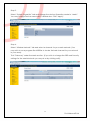
Step 1 (Optional):
Download and install the EnGenius Mesh Network Management Tools onto your
computer.
http://www.engeniustech.com.sg/support (locate your Access Point model to find
download and User Manual.
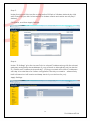
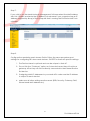
Step 2:
Connect your first mesh AP to your network and access the Website Configuration
Menu. This device will be our Internet-Gateway AP:
2
Go Wireless NZ Ltd