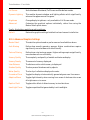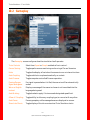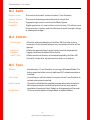
1
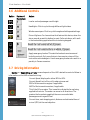
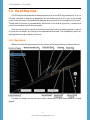
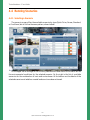
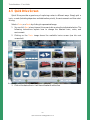
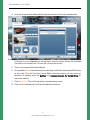
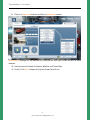
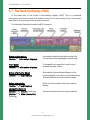
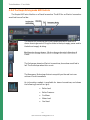
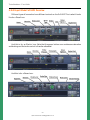
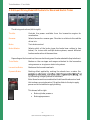
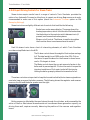
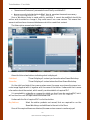
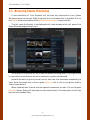
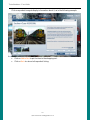
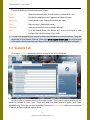
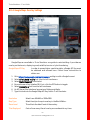
Train Simulator - User Guide 9 The Build Screen The Build screen is the start point to create new content in Train Simulator. The options available here enable: Creation or modification of routes and scenarios; Clone of a route or scenario to modify or extend it; Publishing of routes and scenarios to the Steam Workshop. 9.1 Route Tab The main Build screen is split into several elements: 1. A list of routes installed locally. 2. Information about the route. 3. Action buttons related to a selected route; The screen looks like this: - 69 ©Dovetail Games All Rights Reserved