1
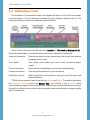
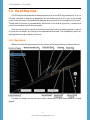
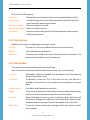
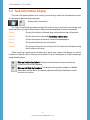
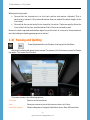
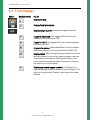
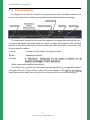
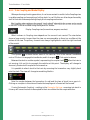
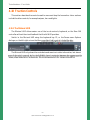
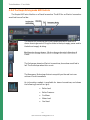
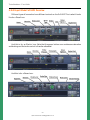
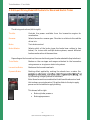
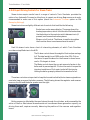
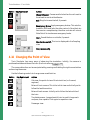
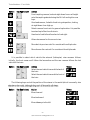
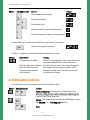
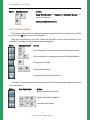
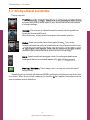
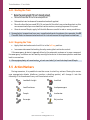
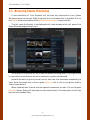
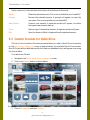
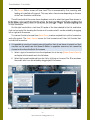
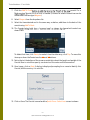
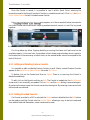
Train Simulator - User Guide 5.3.1 Starting the Train Move the reverser to the Forwards position. Release the train brakes and locomotive brakes if applied. Move the throttle to around 25%. Do not use full throttle from a standing start as this can cause wheel slip or overload the traction motors, causing the power to trip out. Once at around 10 mph, apply full throttle. Be more careful in wet or icy conditions. 5.3.2 Stopping the Train Apply the train brake control until it is in the Self Lap position. Increase or decrease the braking force by moving the train brake control within the Self Lap position. 5.4 Driving an Electric Locomotive Very often, electric locomotives are presented in scenarios with the pantograph or rail The pantograph/Shoes must therefore be activated before the train will move. The key controls are: Throttle so there are only a few possible settings. Single settings do not always maintain a constant speed so be sure to monitor performance. Reverser. The reverser on electric locomotives has three positions: Forwards, Reverse and Neutral. When stationary, always move the reverser to the Neutral position. Brakes. Electric trains often have three types of brakes Train brake, Locomotive brake (normally only used when driving a locomotive on its own flywheel or an alternator). Use the buttons on the right to select the desired brake type and then adjust it accordingly. Pantograph. Click to raise or lower the pantograph/3rd Rail shoes (if applicable), which collect electricity from available power supplies. Start-up/ Shut down. Trains always start running, but can be turned off using this key. - 55 ©Dovetail Games All Rights Reserved