1
Using the Exploration
Assistant
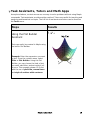
The Exploration Assistant allows you to
instantly create interactive miniapplications used to explore the
parameters of the expressions
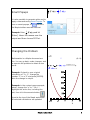
Example: Enter the expression you want
to explore. Select Explore from the
context menu. In the submenu, input the
parameters you would like to test. If you
do not want to explore a variable, check
the box next to skip.
With the given expression, choose to skip
x and y.
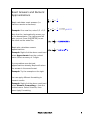
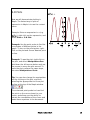
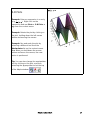
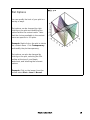
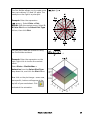
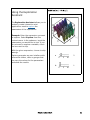
Explore generates an user interface with
interactive sliders, dials or gauges that
can vary the values for the parameters
and show the results.
2
a
0
5
10
0
5
10
1
b