1
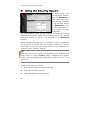
Using the Security System
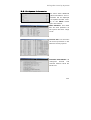
Local users are defined in the Definitions/ Users menu.
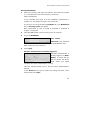
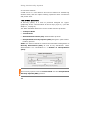
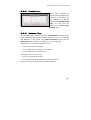
Log Access Network Traffic: All connections to the WebAdmin
configuration tool are logged to the Packet Filter Logs as Accept
rule. The Packet Filter Logs can be found in the Local Logs/
Browse menu. By default, this function is disabled.
Enable this function by clicking on the Enable button (status light on
green).
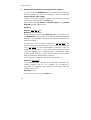
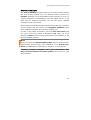
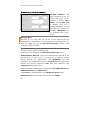
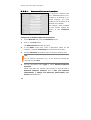
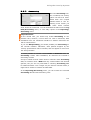
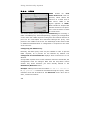
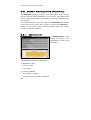
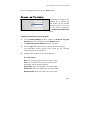
Block Password Guessing
This function can be used
to limit the number of attempts to log in to the
WebAdmin
configuration
tool. After a specific number of attempts, the access from this IP address will be denied for a
given time span.
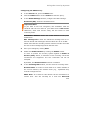
Configuring
1.
the
blocking
protection
for
Login
attempts:
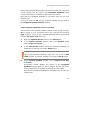
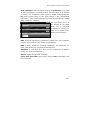
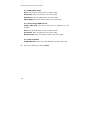
Configure the maximum allowable number of attempts in the
After failed Attempts drop-down menu.
2.
Enter the time span for the blocking protection in the Block IP
for Period entry field.
3.
Save your changes by clicking Save.
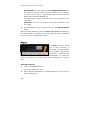
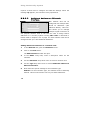
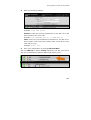
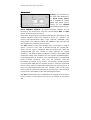
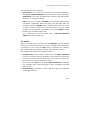
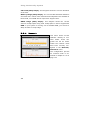
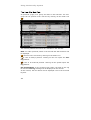
Now, the blocking protection is enabled. The Never block Networks
window, allows you to exclude networks or hosts from the blocking
protection.
93