1
Using the Security System
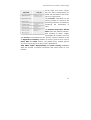
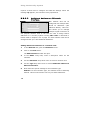
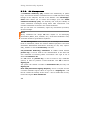
Surf Protection Categories
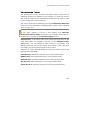
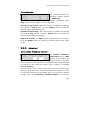
The Surf Protection
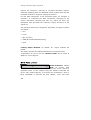
option contains 17 defined Surf Protection
Categories. The categories are based on
the
URL
data
base
from Cobion Security
Technologies
and
can be edited in this
table.
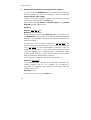
Editing Surf Protection Categories:
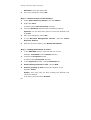
1.
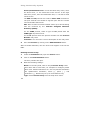
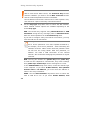
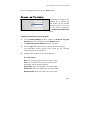
Enable this option by clicking the Enable button in the Surf
Protection (Content Filter) window.
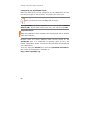
The status light will show green and an advanced entry window
will open.
2.
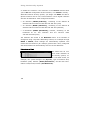
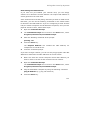
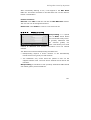
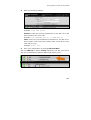
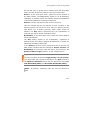
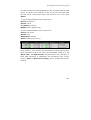
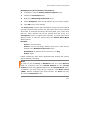
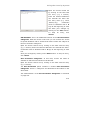
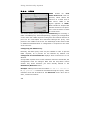
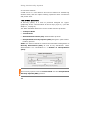
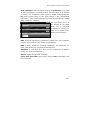
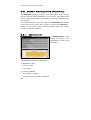
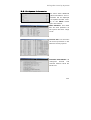
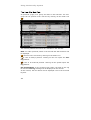
Click the Show/Hide button to open the table with the
categories.
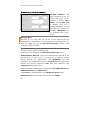
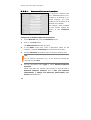
The name of category is displayed in the Name field. This name
will be selected later from the Profiles Table. The Subcategories
field lists the subcategories.
3.
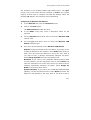
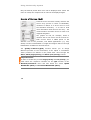
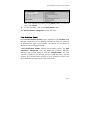
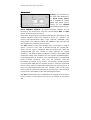
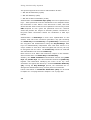
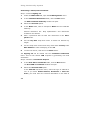
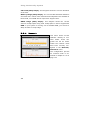
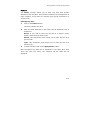
Now click on the entry, you wish to edit.
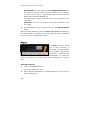
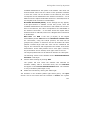
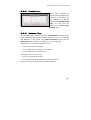
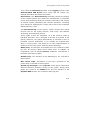
Clicking on Name opens another entry window. If you click on
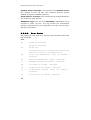
the subcategories, another selection window will open. All available subcategories will be listed in this selection field.
216