1
Simple eText Production User Manual
3
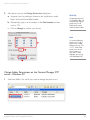
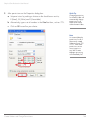
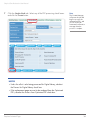
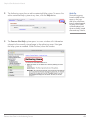
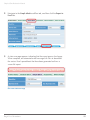
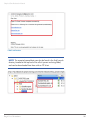
Alter permissions on the Change Permissions dialog box.
a Set permissions by making a choice on the check boxes under,
Read, Write and Executable headers.
b Alternatively, type a set of numbers in the Octal notation text box,
such as 775.
c Click on Change to confirm your choice.
Quick Tip
Changing permissions
for the main folder will
automatically change
permissions for all
folders and content
within the main folder.
Note
a
b
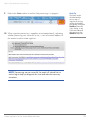
It is essential that the
permissions for all of
these newly created
folders are set to 775
or 777. If the folder
permissions are not
reset, ingestion or
any other Content
Manager processing
will immediately fail.
c
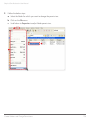
Change Folder Permissions on the Content Manager FTP
server - Windows PC
1
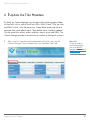
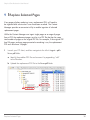
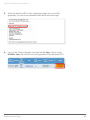
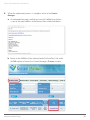
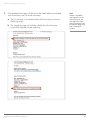
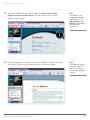
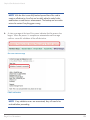
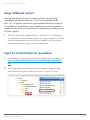
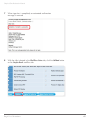
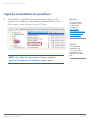
Select the folder/s for which you want to change the permissions.
Create Folders and Change Permissions
12