1
Read the Docs Template Documentation, Release 1.9.2
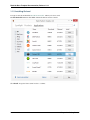
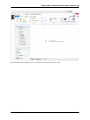
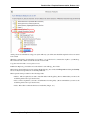
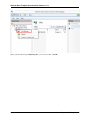
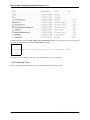
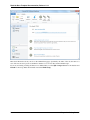
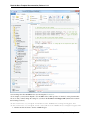
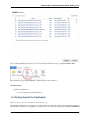
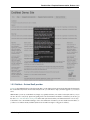
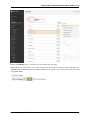
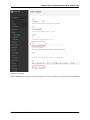
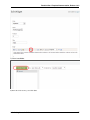
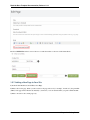
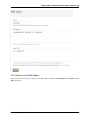
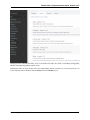
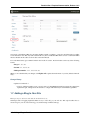
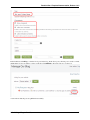
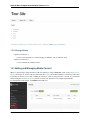
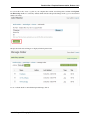
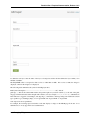
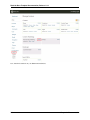
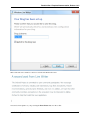
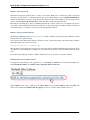
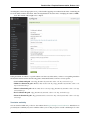
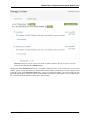
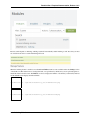
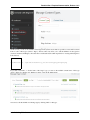
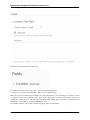
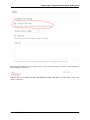
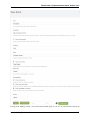
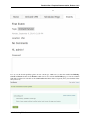
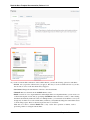
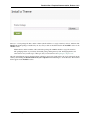
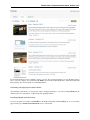
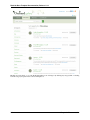
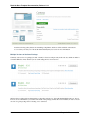
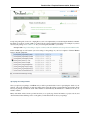
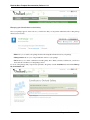
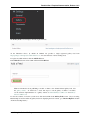
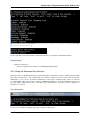
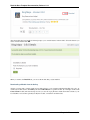
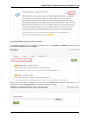
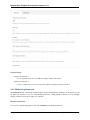
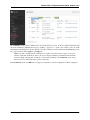
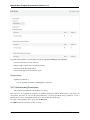
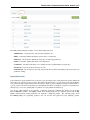
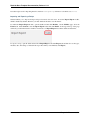
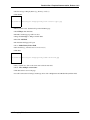
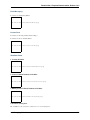
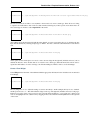
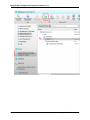
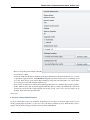
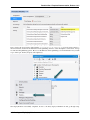
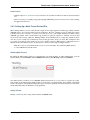
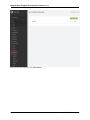
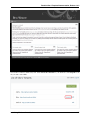
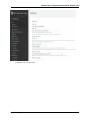
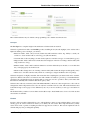
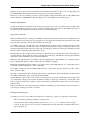
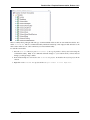
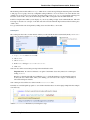
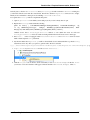
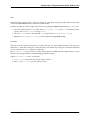
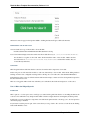
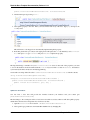
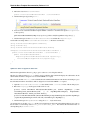
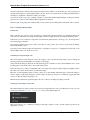
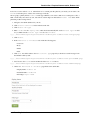
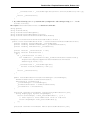
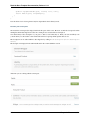
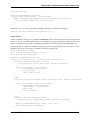
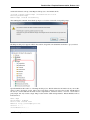
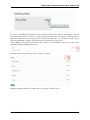
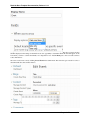
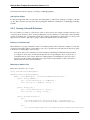
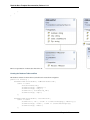
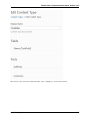
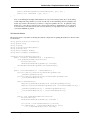
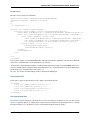
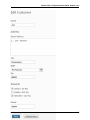
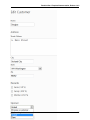
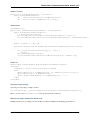
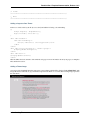
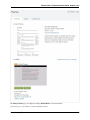
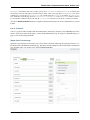
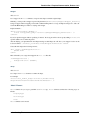
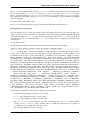
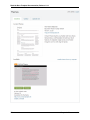
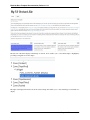
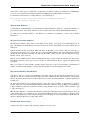
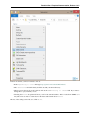
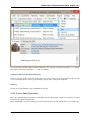
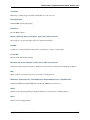
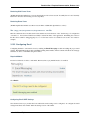
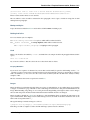
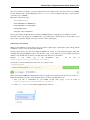
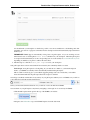
The field is now listed in the Event type screen.
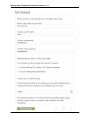
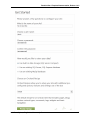
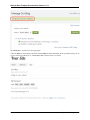
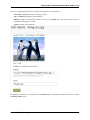
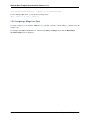
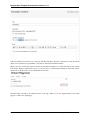
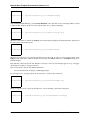
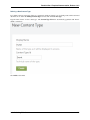
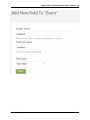
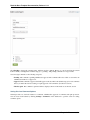
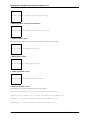
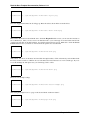
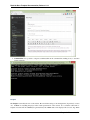
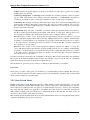
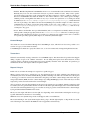
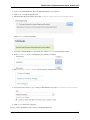
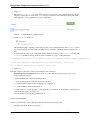
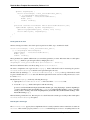
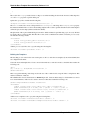
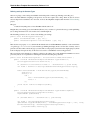
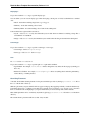
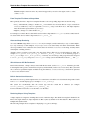
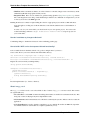
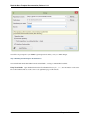
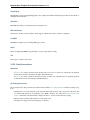
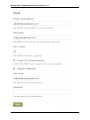
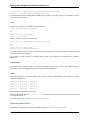
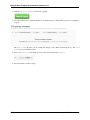
Go ahead and repeat the previous two steps to add a second field named “Date”.
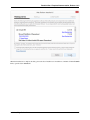
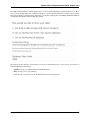
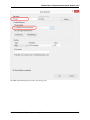
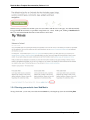
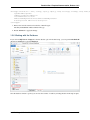
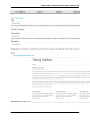
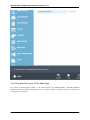
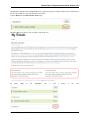
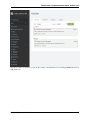
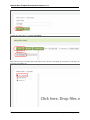
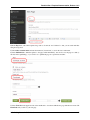
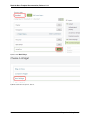
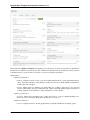
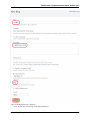
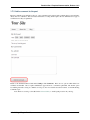
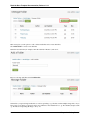
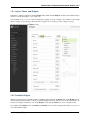
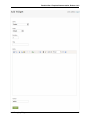
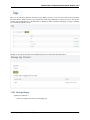
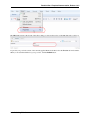
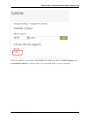
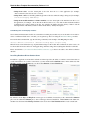
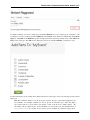
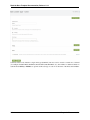
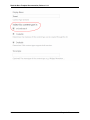
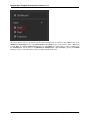
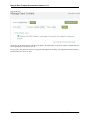
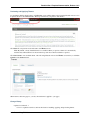
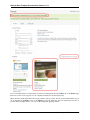
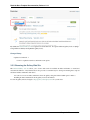
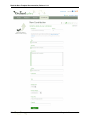
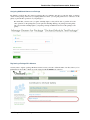
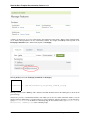
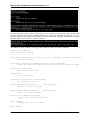
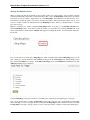
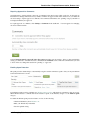
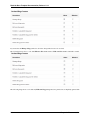
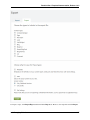
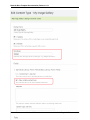
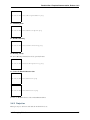
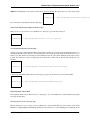
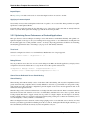
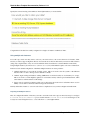
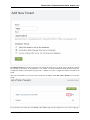
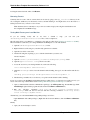
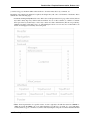
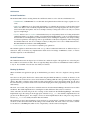
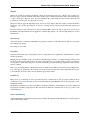
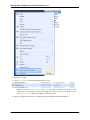
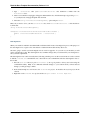
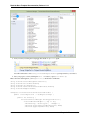
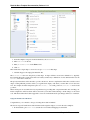
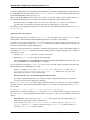
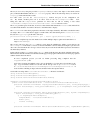
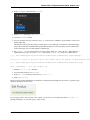
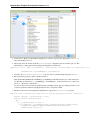
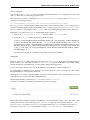
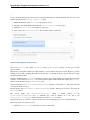
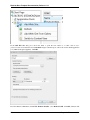
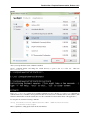
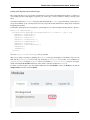
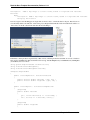
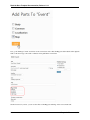
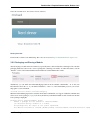
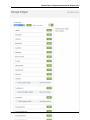
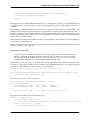
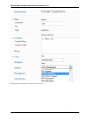
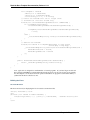
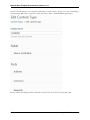
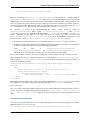
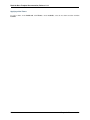
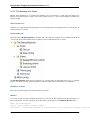
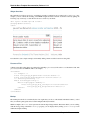
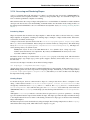
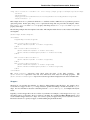
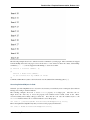
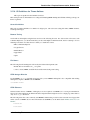
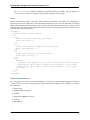
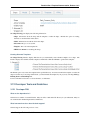
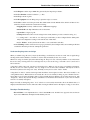
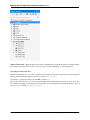
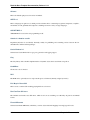
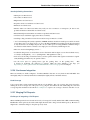
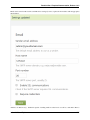
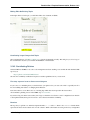
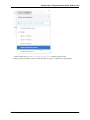
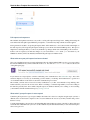
To add a part to your type, click “Add” in the “Parts” section of the Event type.
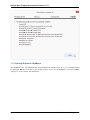
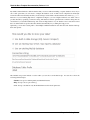
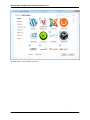
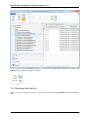
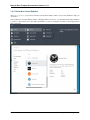
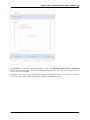
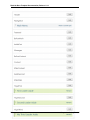
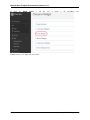
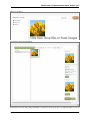
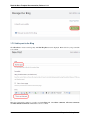
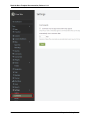
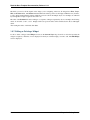
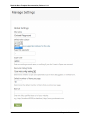
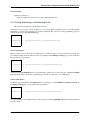
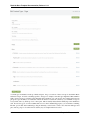
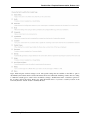
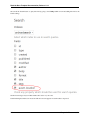
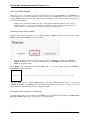
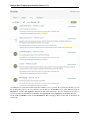
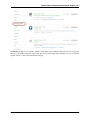
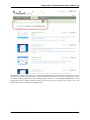
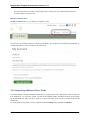
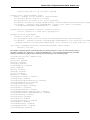
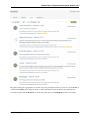
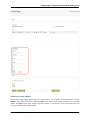
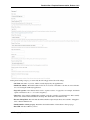
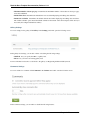
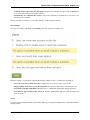
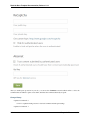
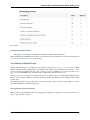
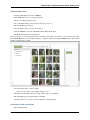
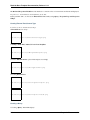
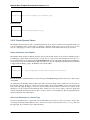
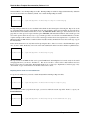
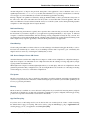
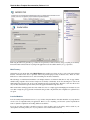
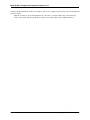
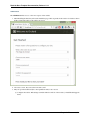
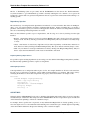
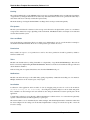
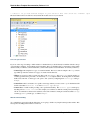
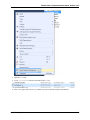
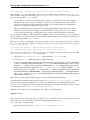
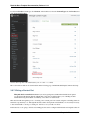
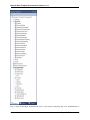
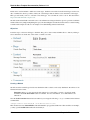
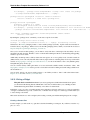
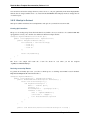
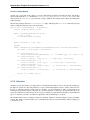
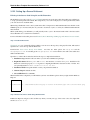
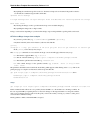
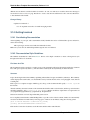
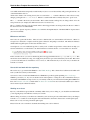
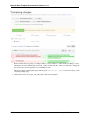
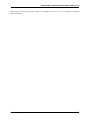
Here you can see the available parts in Orchard (as of the current release). For our Event type, we want to be able
to comment on the event (“Comments” part), tag the event (“Tags part”), access the event from the front-end via
a URL/route (“Autoroute” part), add the event to the main menu (“Menu” part), and be able to publish the event
immediately, on a schedule, or as a draft (“PublishLater” part).
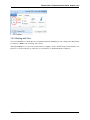
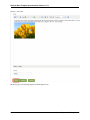
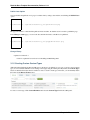
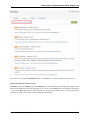
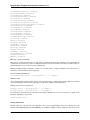
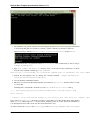
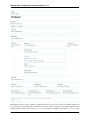
Also add the “Common” part so that your items can appear in lists of content items.
136
Chapter 3. Documentation