1
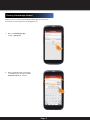
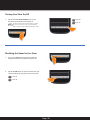
Turning Live View On/Off
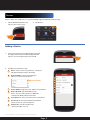
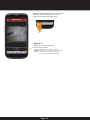
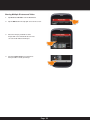
1. Tap the turn Live View On/Off button to turn
Live View off and again to turn it back on.
NOTE :
Toggle Off
Toggle On
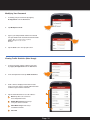
The bottom menu of the Live View interface contains
two sets of icons. If you do not see the Toggle Live
View Icon swipe over the bottom bar from left to right.
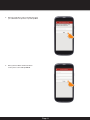
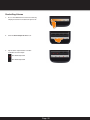
Disabling the Sound in Live View
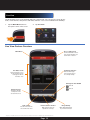
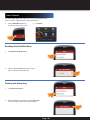
1. Access the additional Live View menu items by
swiping the bottom menu bar from right to left.
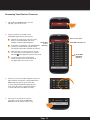
2. Tap the Sound button to turn the sounds from your
camera feed off. Tap it again to turn them back on.
Sounds On
Sounds Off
Page 20