1
BACKUP
Managing Hot Spare System
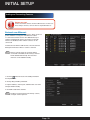
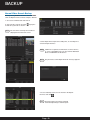
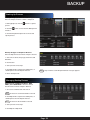
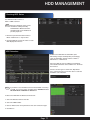
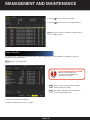
Enter the Hot Spare Settings interface:
Menu > Configuration > Hot Spare.
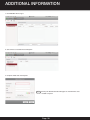
1. Check the box to select the working device from the
device list.
2. Click Add.
NOTE : A hot spare device can connect up to 32 working
devices.
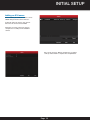
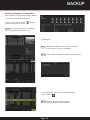
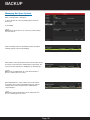
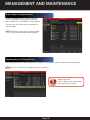
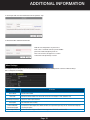
View the working status on the Working Status list. When
working properly, “No Record” displays.
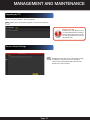
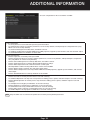
When offline, the hot spare device will record the video of the
IP Camera connected to the working device for backup. The
status of the hot spare device will display as “Backing Up.”
NOTE : The record backing up can be functioned for 1
working device at a time.
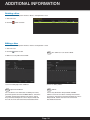
When working device comes online, the lost files will be
restored by the record synchronization function, and the
working status of the hot spare device will display as
“Synchronizing.”
NOTE : Record synchronization can be enabled for one
working device at a time.
Page 56