1
Section 1
Introduction & Software Setup
A. Introduction
Congratulations on selecting i-CHEQUE that will help you in preparing and
printing cheques conveniently on the standard cheque leaves provided by the
banks. It is a simple to use software, which apart from printing smart looking
cheques, also provides a comprehensive Cheque Book management and keeps
records for all issued Cheques. This User Manual will help you in getting the best
out of the software.
B. Hardware and Software Requirement
•
•
•
•
PC-Pentium / 1 GB RAM
Minimum 1024 x 768 resolution
Windows XP or higher version
150MB Hard disk space
C. Software Installation & Registration
i-CHEQUE operates on the .NET framework of Microsoft. If the system already
has the .NET framework in place, i-CHEQUE installs directly, otherwise, the .NET
framework and its components are installed followed by the installation of iCHEQUE.
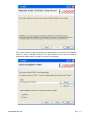
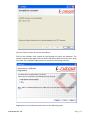
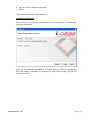
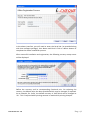
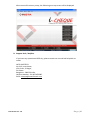
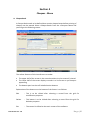
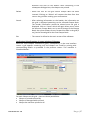
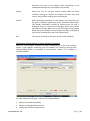
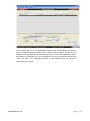
To install the software insert the i-CHEQUE CD in your PC. Double click on setup
file. You will get the following screen:-
Document Ver: 1.0
Page|2