1
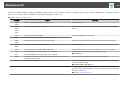
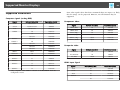
List of Functions
96
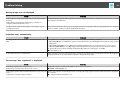
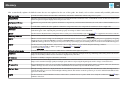
Submenu
Function
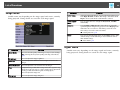
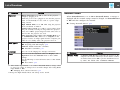
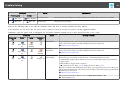
Address 1 Set‐
ting/Address 2
Setting/Address
3 Setting
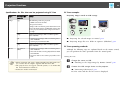
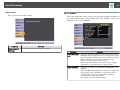
You can input the email address of the destination to send the
notification email to. You can register up to three destinations.
You can enter up to 32 single-byte alphanumeric characters for
the email address. The following characters cannot be used: " ( ) , ;
<>[\]
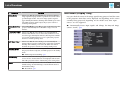
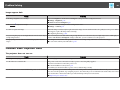
You can select the problems or warnings to be notified about by
email. When the selected problem or warning occurs in the
projector, an email is sent to the specified destination address
notifying that a problem or warning has occurred. You can select
multiple items from the displayed items.
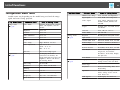
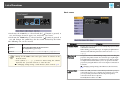
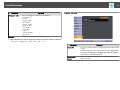
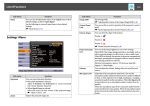
Others menu
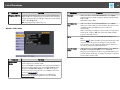
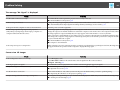
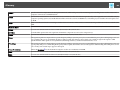
Submenu
Function
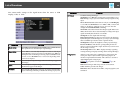
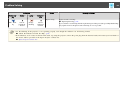
SNMP
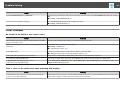
Set to On to monitor the projector using SNMP.
To monitor the projector, you need to install the SNMP manager
program on your computer. SNMP should be managed by a
network administrator.
The default value is Off.
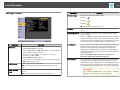
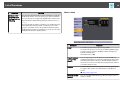
Trap IP Address
1/Trap IP Ad‐
dress 2
You can register up to two IP addresses for the SNMP trap
notification destination. You can enter a number from 0 to 255 in
each field of the address. However, the following IP addresses
cannot be used. 127.x.x.x, 224.0.0.0 to 255.255.255.255 (where x
is a number from 0 to 255)
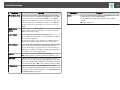
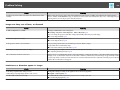
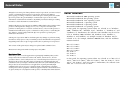
Bonjour
Set this to On when connecting to the network using Bonjour.
See Apple's Web site for more information on the Bonjour
service.
s http://www.apple.com/
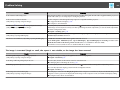
Message Broad‐
casting
You can switch the EPSON Message Broadcasting function to
enable or disable.