1
DLS-3 SA v1.3
DLS-3 SA v1.3
3
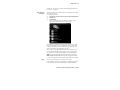
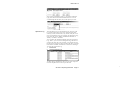
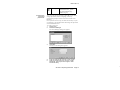
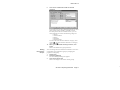
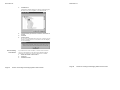
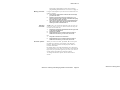
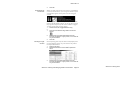
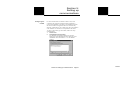
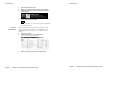
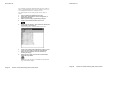
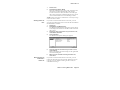
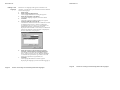
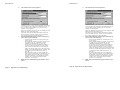
Select Batch Set Maintenance
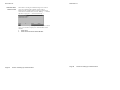
The Batch Set Maintenance dialog box appears.
Waiting for batch
mode calls
4
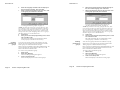
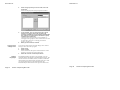
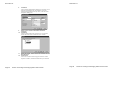
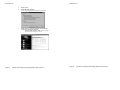
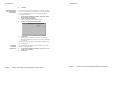
Click Add
5
Type a name for the batch set, under Name
6
Click OK
7
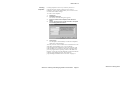
Click Save And Close
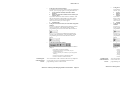
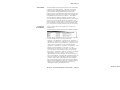
If a control panel will be calling in to the DLS-3 SA
computer at a particular time, you can tell DLS-3 SA to
communicate a group of uploading or downloading tags
saved in a batch file for the account. (See also “Waiting for
a panel to call” on page 47.)
Before selecting Wait for Batch Mode, you must do the
following:
1
2
Open the account for the panel that will be calling
Select File
3
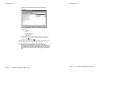
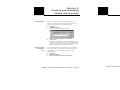
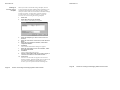
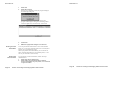
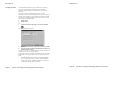
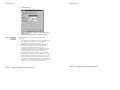
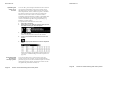
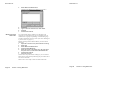
Select Batch Set Maintenance
4
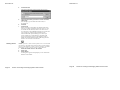
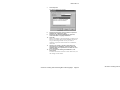
Click the Batch Mode tab
5
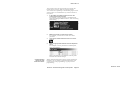
Select the name of the batch set to be used when
the panel calls in, under Active Batch Mode Set
6
Click Save And Close
7
Close the account
If more than one panel will be calling in, you can select a
batch file for each panel by following the procedure above
for each account file.
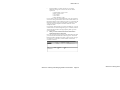
DLS-3 SA is now ready to wait for batch mode calls.
Page 58
Section 7: Using Batch files
Page 58
Section 7: Using Batch files