1
The Zeroplus Logic Analyzer
User’s Manual V3.09
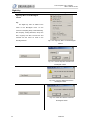
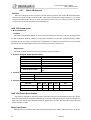
Tip:
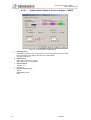
To let online users learn the
latest news, we add the
Running–Text Ads Function.
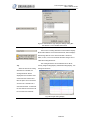
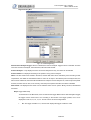
Turn On:Start the Running-Text
Ads function.
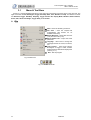
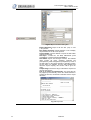
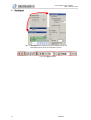
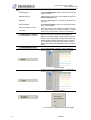
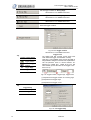
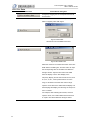
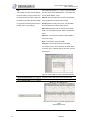
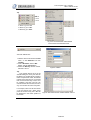
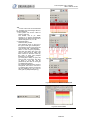
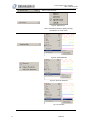
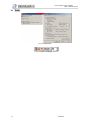
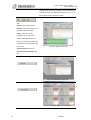
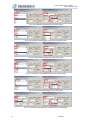
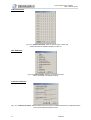
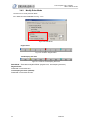
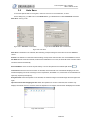
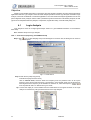
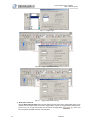
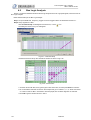
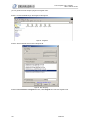
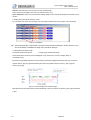
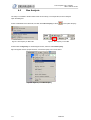
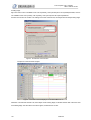
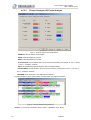
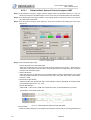
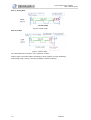
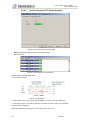
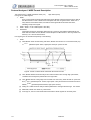
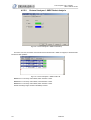
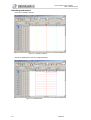
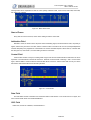
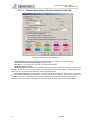
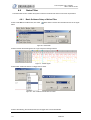
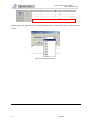
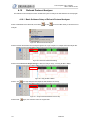
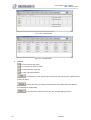
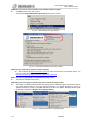
Fig 3-94: Hot News Window and the Pull-down Menu
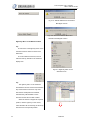
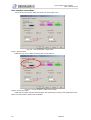
News Activity: Let users learn
the activities of our company.
Production News: Let users learn
the
latest
products
of
our
company.
Note:
If both News Activity and
Production News are turned on.
The Running-Text Ads will play
News Activity prior to Production
News, and play the news in order;
the whole process plays
repetitively.
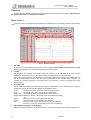
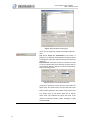
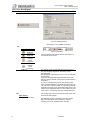
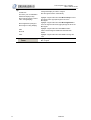
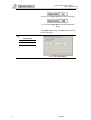
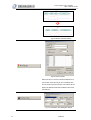
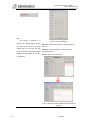
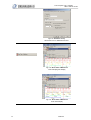
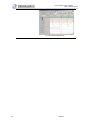
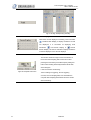
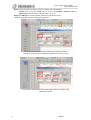
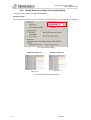
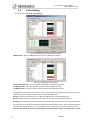
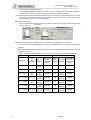
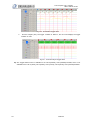
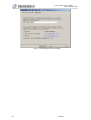
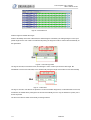
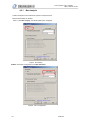
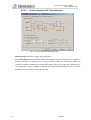
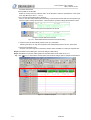
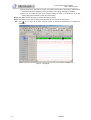
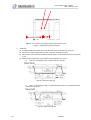
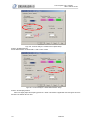
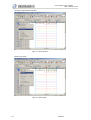
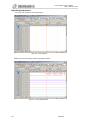
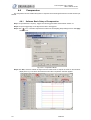
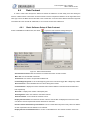
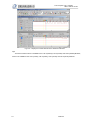
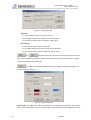
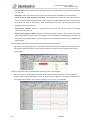
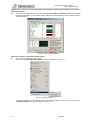
Fig 3-95: Display Hot News Window on the Software
Interface.
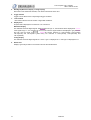
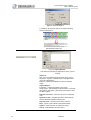
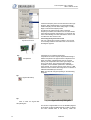
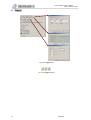
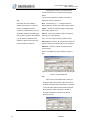
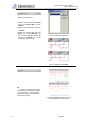
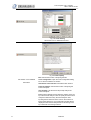
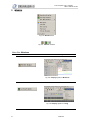
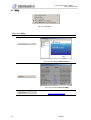
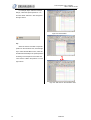
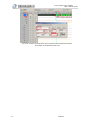
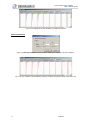
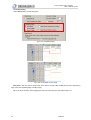
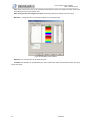
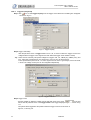
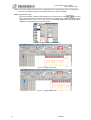
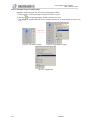
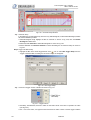
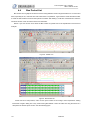
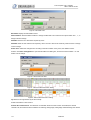
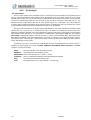
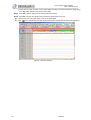
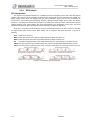
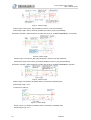
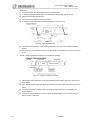
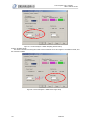
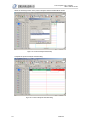
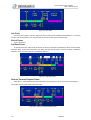
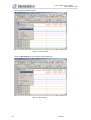
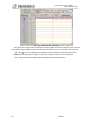
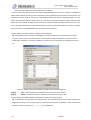
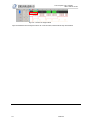
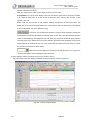
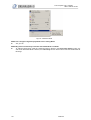
Fig 3-96: Running-Text Ads Interface
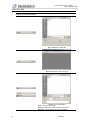
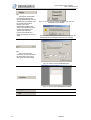
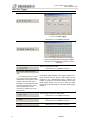
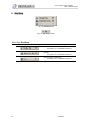
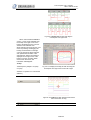
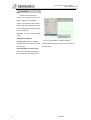
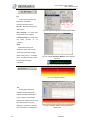
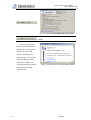
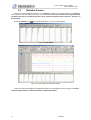
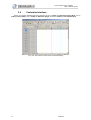
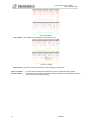
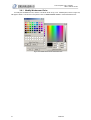
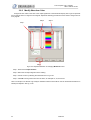
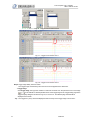
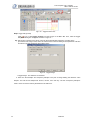
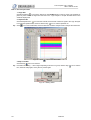
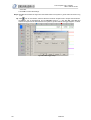
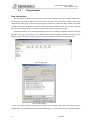
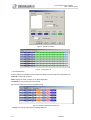
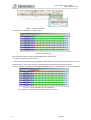
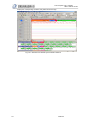
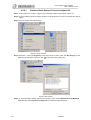
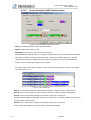
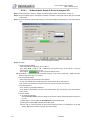
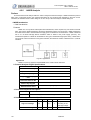
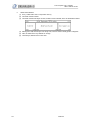
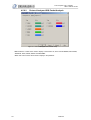
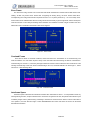
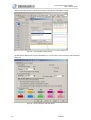
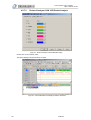
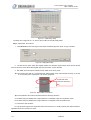
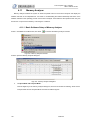
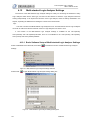
Fig 3-97: Navigator Window
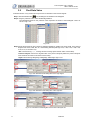
Tip:
The Navigator Window is
displayed under the waveform
display area when activating the
Logic Analyzer. The Navigator
displays the waveform length of all
the captured data; it only can
display the waveform of the data
of four channels. In the Navigator
62
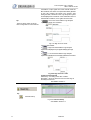
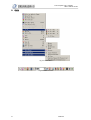
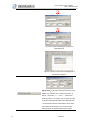
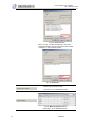
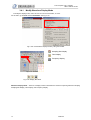
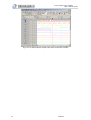
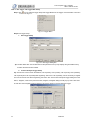
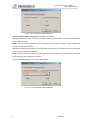
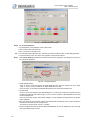
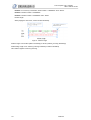
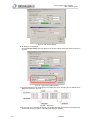
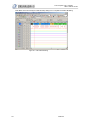
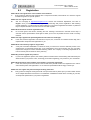
Fig 3-98: Navigator Window under the waveform
display area
FM07I4A