1
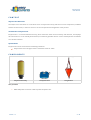
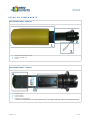
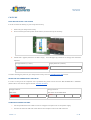
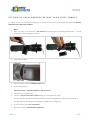
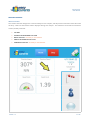
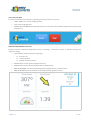
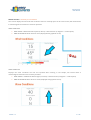
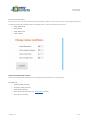
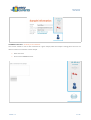
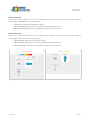
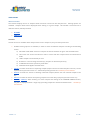
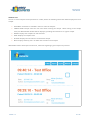
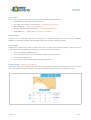
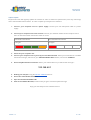
EasyCurrents User Manual CHECKS BUOY BATTERY CHECK - LED CODING In order to check the battery of your EasyCurrents buoy: 1. Power ON your EasyCurrents buoy. 2. Click on the EasyCurrents power check button, located in the top of the buoy. 3. If RED LED is lighted, batteries are NOT empty. If no LED lights up, batteries are empty and should be replaced: Enough batteries (>2 volts) Empty batteries (<2Volts) Troubles checking the power of your EasyCurrents buoy? Visit our TROUBLESHOOTING section. RECEPTION UNIT POWER SUPPLY INDICATOR In order to verify that the reception unit is powered ON, please ensure that the RED POWER LED is LIGHTED. (Power LED is most interior light to the left; view LED location ). Enough batteries Empty batteries RED LIGHT NO LIGHT OR TILTING LIGHT Power Power CHARGING THE RECEPTION UNIT ✓ Use the provided mini-usb cable in order to charge the reception unit to the power supply. ✓ Connect the the mini USB side of the cable to the reception unit’s mini USB connector. Version 1.2 8 / 34