1
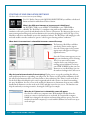
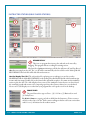
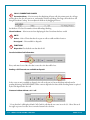
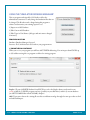
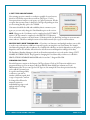
To locate the ini file that handles the BACKGROUND
sounds on your Instructor Station you will use EDIT /
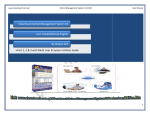
FIND as shown in this image.
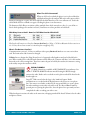
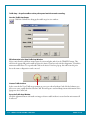
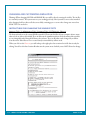
Type in FIND background and hit enter. This will take
you to the place you need to be to change the background
sounds on your Instructor Station (sound effects).
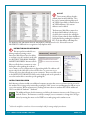
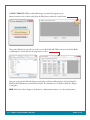
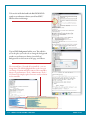
Background is on the bottom of the page, scroll down.
You currently have (4) sound effects installed – you can
change these. The blue highlighted files are the ones you
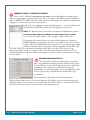
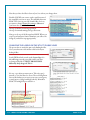
can change. You must match the names of the sound files
that are in your Instructor Tools / Administrator Tools /
911 Sound. You simply replace the name exactly as shown
in the sound file.
9 - 1 - 1 R e a l i t y Tr a i n i n g S tat i o n
Pag e : B - 21