1
Chapter 19: Ion finder
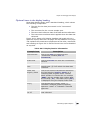
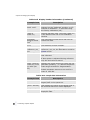
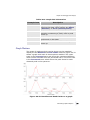
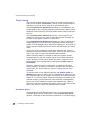
Saving and loading Ion Finder settings
••••••
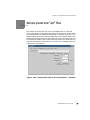
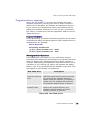
This feature allows you to save the current settings so that you
can retrieve them at a later date. The following is saved to a file:
•
•
•
Mass and Tolerance data;
All the settings within the Ion Finder settings window;
Folder and filename information.
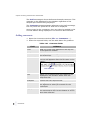
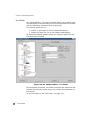
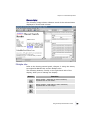
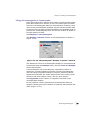
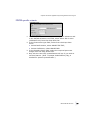
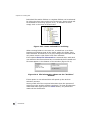
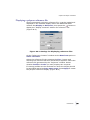
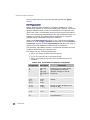
Saving your settings
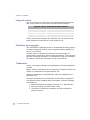
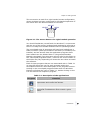
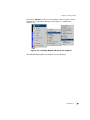
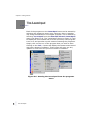
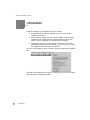
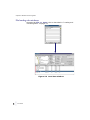
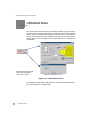
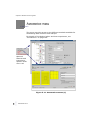
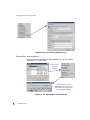
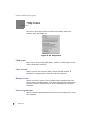
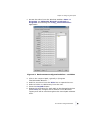
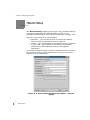
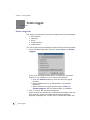
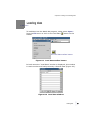
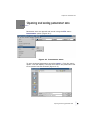
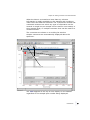
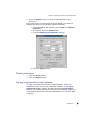
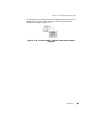
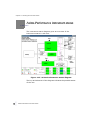
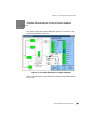
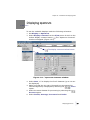
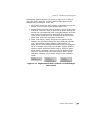
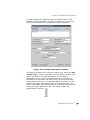
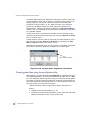
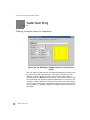
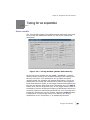
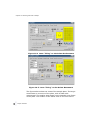
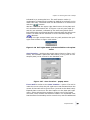
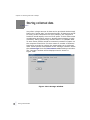
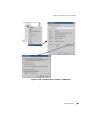
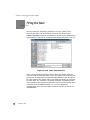
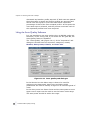
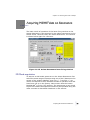
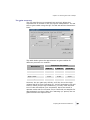
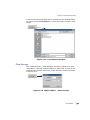
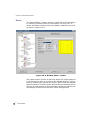
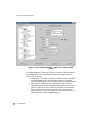
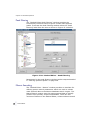
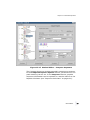
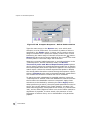
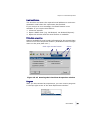
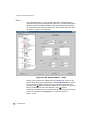
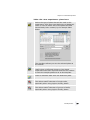
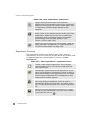
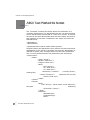
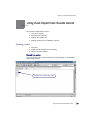
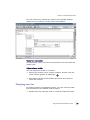
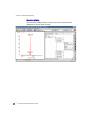
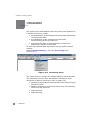
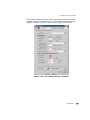
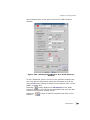
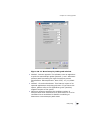
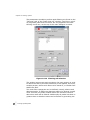
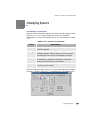
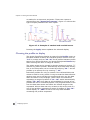
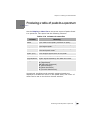
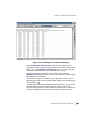
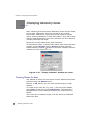
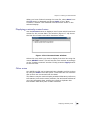
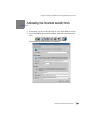
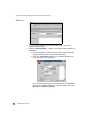
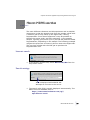
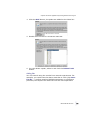
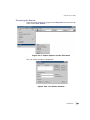
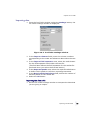
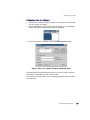
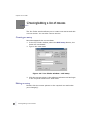
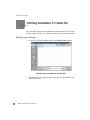
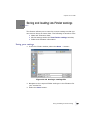
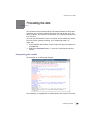
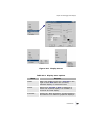
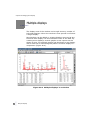
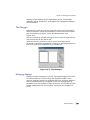
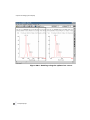
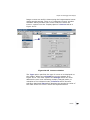
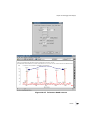
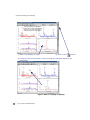
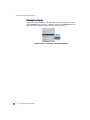
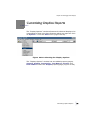
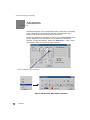
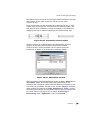
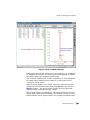
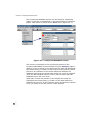
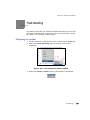
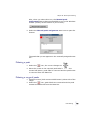
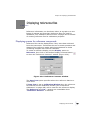
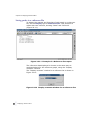
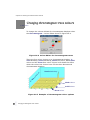
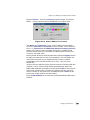
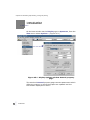
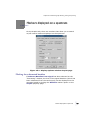
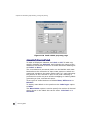
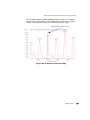
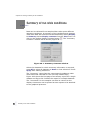
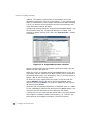
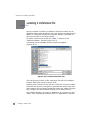
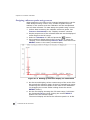
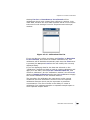
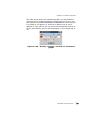
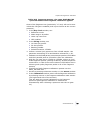
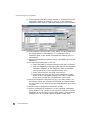
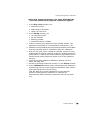
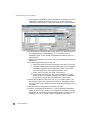
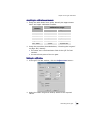
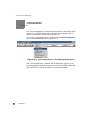
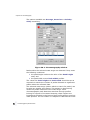
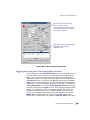
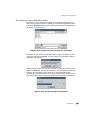
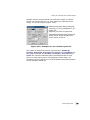
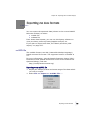
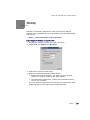
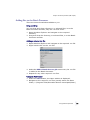
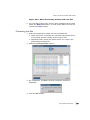
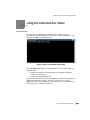
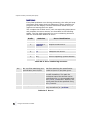
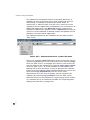
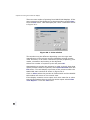
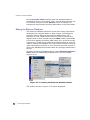
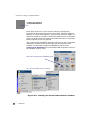
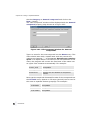
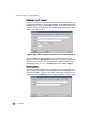
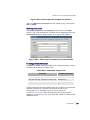
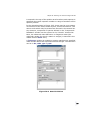
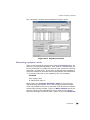
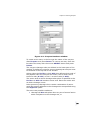
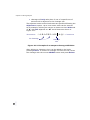
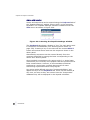
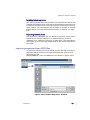
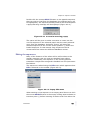
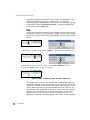
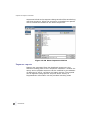
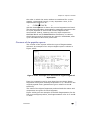
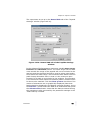
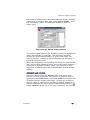
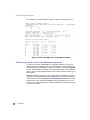
1. In the Ion Finder window, select the Save ... button:
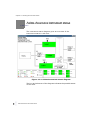
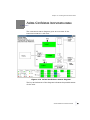
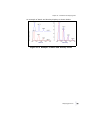
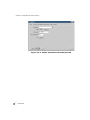
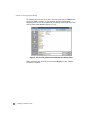
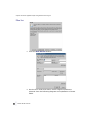
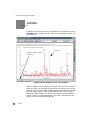
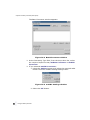
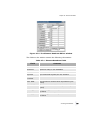
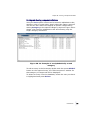
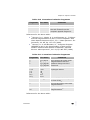
Figure 19.13 Saving a settings file
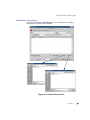
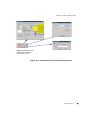
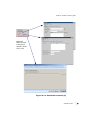
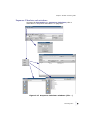
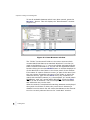
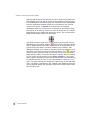
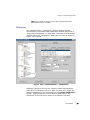
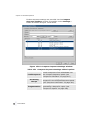
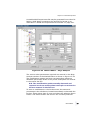
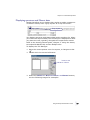
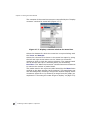
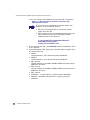
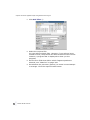
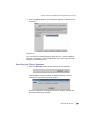
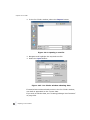
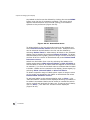
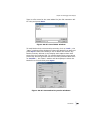
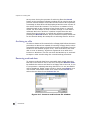
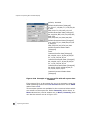
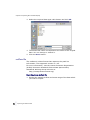
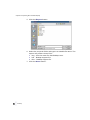
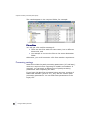
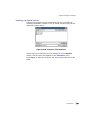
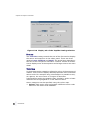
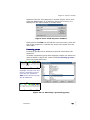
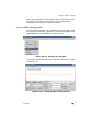
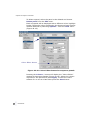
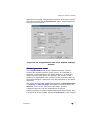
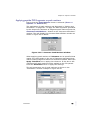
2. Navigate to the required folder and type in the filename for
your results file.
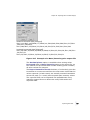
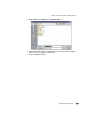
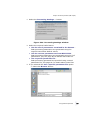
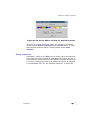
3. Select the Save button.
Saving and loading Ion Finder settings
•
•
• 329
•
•
•