1
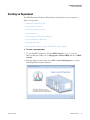
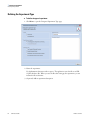
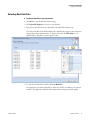
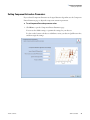
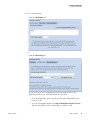
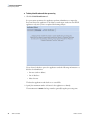
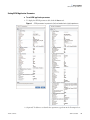
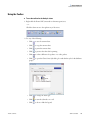
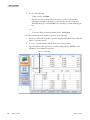
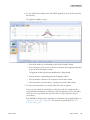
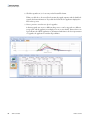
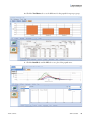
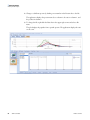
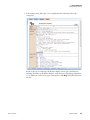
1 Creating an Experiment Creating an Experiment Creating an Experiment The SIEVE Experiment Definition Wizard takes you through these steps in sequence to define your experiment: • Defining the Experiment Type • Selecting Raw Data Files • Characterizing Raw Data Files • Selecting Frames • Setting Component Extraction Parameters • Setting Identification Parameters • Saving the Experiment • Defining Frame Targets Using the SIEVE Frame Targets Wizard To create a new experiment 1. To open the SIEVE application, click the SIEVE v2.2 x64 icon ( ) or, from the Microsoft Windows taskbar, choose All programs > Thermo SIEVE and choose SIEVE v2.2 x64. 2. From the application main menu, choose File > Create New Experiment to open the SIEVE Experiment Definition Wizard. Thermo Scientific SIEVE User Guide 3