1
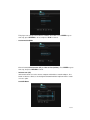
connected.
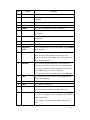
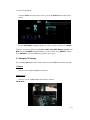
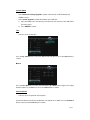
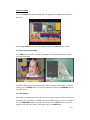
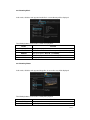
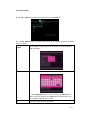
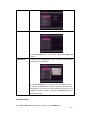
Brightness
-
Adjust the level of brightness.
Contrast
-
Adjust the level of contrast.
Hue
-
Adjust the level of hue.
Saturation
-
Adjust the level of saturation.
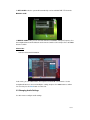
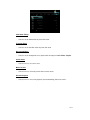
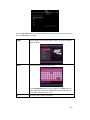
TV SYSTEM
-
Select to adjust video output resolution: NTSC / PAL / 480P / 576P / 720P 50HZ / 720P
60HZ / 1080I 50HZ / 1080I 60HZ / 1080P 50HZ / 1080P 60HZ.
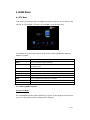
3.4 Changing Record Settings
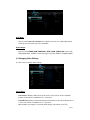
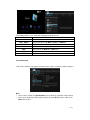
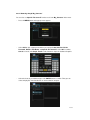
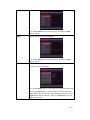
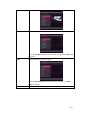
Quality
-
Select to set the default recording quality setting.
Press the up / down button to select the quality setting you require.The highest quality setting
is HQ which requires the most storage space. The other settings reduce recording quality
sequentially but also require less storage space.
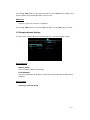
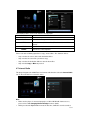
Permanent Timeshift
-
Select to set Time Shift mode.
21 / 63