1
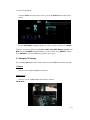
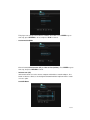
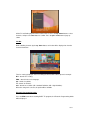
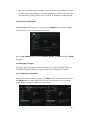
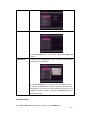
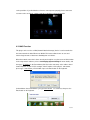
Press the up / down button to select from On and Off. Press the enter button to confirm. If On,
the time shift will start automatically while in Video In mode.
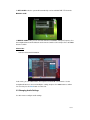
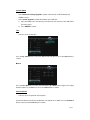
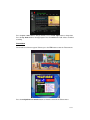
REC Device
-
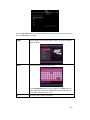
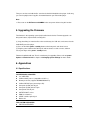
Select to set device to restore the recorded files.
Press the up / down button to select from HDD and USB. Press the enter button to confirm.
3.5 Changing Network Settings
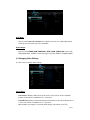
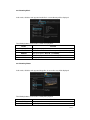
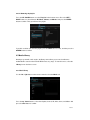
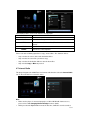
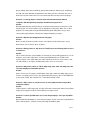
Use this menu to configure Ethernet and WLAN (Wireless Local Area Network) settings.
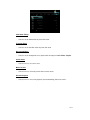
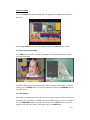
Wired LAN Setup
-
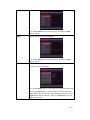
DHCP IP (AUTO)
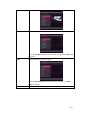
Select to obtain IP address automatically.
-
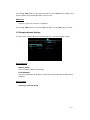
FIX IP (MANUAL)
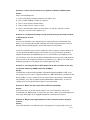
Select to manually input the IP Address, Subnet Mask, Default Gateway, and DNS Server
IP Address.
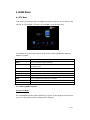
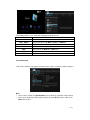
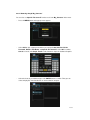
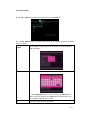
Wireless Setup
-
Selecting a connection profile
22 / 63