1
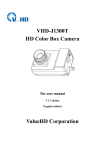
ValueHD Corporation
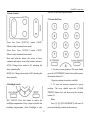
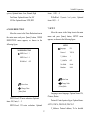
When port mapping, need to be consistent with the
8) Apply / Cancel
port number(default port: 80)
Modify network parameters then press "Apply"
B. RTSP Port
button to
Network camera support RTSP protocol, use the
modify network parameters, press
"Cancel" button to cancel network parameters.
VLC tools broadcast.
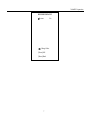
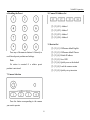
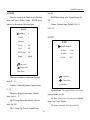
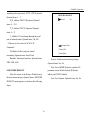
6.7 Device Information, please click
C. PTZ Port
“information”
Support PTZ protocol, default port: 5678.
Show the current device information, as shown
below.
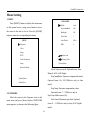
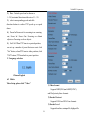
3) Control Protocol Setting
Setting camera control communication protocol,
include Visca address, Pelco-D address, Pelco-P
address.
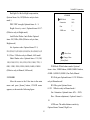
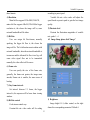
4) RTMP Setting
Setting the camera stream, can set up two stream,
in the two stream selection control code stream of
"On", "Off", "Video", "Audio", etc.
Note:
Software version may not be the latest version of
5) RTSP Setting
the current, please release version shall prevail.
Setting network camera rtsp protocol of "On",
"Off".
7 Download the Network upgrade
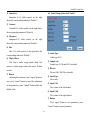
6) ONVIF Setting
Setting the ONVIF protocol and ONVIF
program
authorization "On", "Off".
If you need the camera upgrade program, please
7) Multicast Setting
Setting multicast
contact the manufacturer.
"On", "Off",and multicast
address(default address 224.1.2.3)and port(default
6688)
38