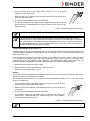
1
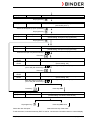
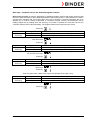
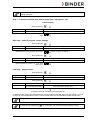
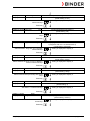
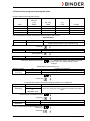
Display 1 shows
20.00
Display 2 shows Time
20:00
Enter the time 20:00 with arrow keys
(time of the selected shift point)
(entry of time of the selected shift point)
(actual setting: 20.00, i.e. 8 p.m.)
Value is shown in display 2.
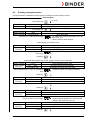
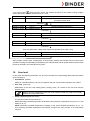
Press key
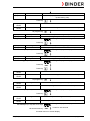
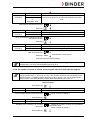
Display 1 shows
0000
Display 2 shows Ch1 = SP2:
Off
Enter the state of channel 1
Off with arrow keys
(entry of state of channel 1)
(actual setting: OFF)
Setting is displayed in display 2.
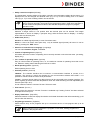
Press key
Display 1 shows
0000
Display 2 shows Channel 2:
(entry of state of channel 2)
(actual setting: Off)
Off
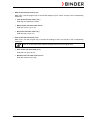
Press key EXIT
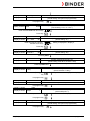
Display 1 shows
Display 2 shows S1:
20.00
(time of the selected shift point)
(actually selected shift point: S1)
20:00 - (actual setting: time 20.00, channels OFF)
or wait for 120 seconds
Hit several times key EXIT
Controller returns to normal display.
KB (E3.1) 08/2012
page 51/84